Hosting for WPCode
The Fastest Hosting for WPCode Sites
WPCode snippets are your own code running on every request: tracking pixels, conditional logic, and custom functions. Levamo gives that code fast PHP to run on and a staging site to try it on first, and our WordPress experts handle the technical side for you. Setup takes minutes.
Trusted by professionals. Highly rated on Trustpilot & G2.
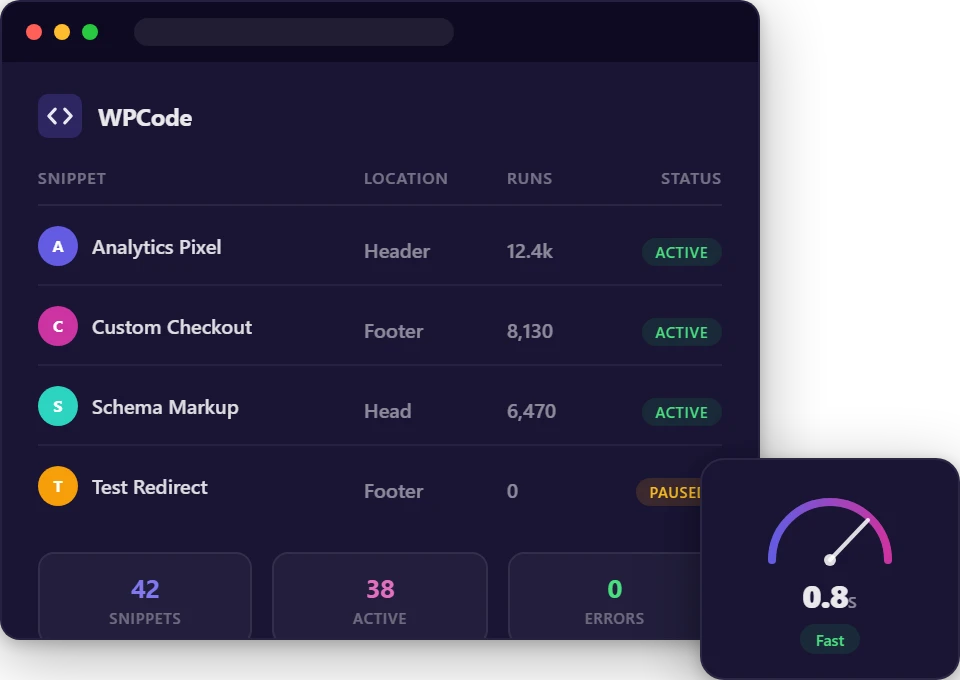
Everything Your Snippets Need to Run Safely
Somewhere to test, and the headroom to run it properly once it is live.

1-Click Staging
Spin up a copy of your site, try the snippet there, and push it live once it behaves. Included on every plan, not just the expensive ones.

PHP Version Management
Switch PHP versions from your dashboard. Check a snippet against a newer runtime before you commit your live site to it.
Auto-Scaling PHP Workers
Snippets run in PHP on every request they're attached to. Workers and memory scale automatically, so code you add doesn't turn into time your visitors wait.

Automated Daily Backups
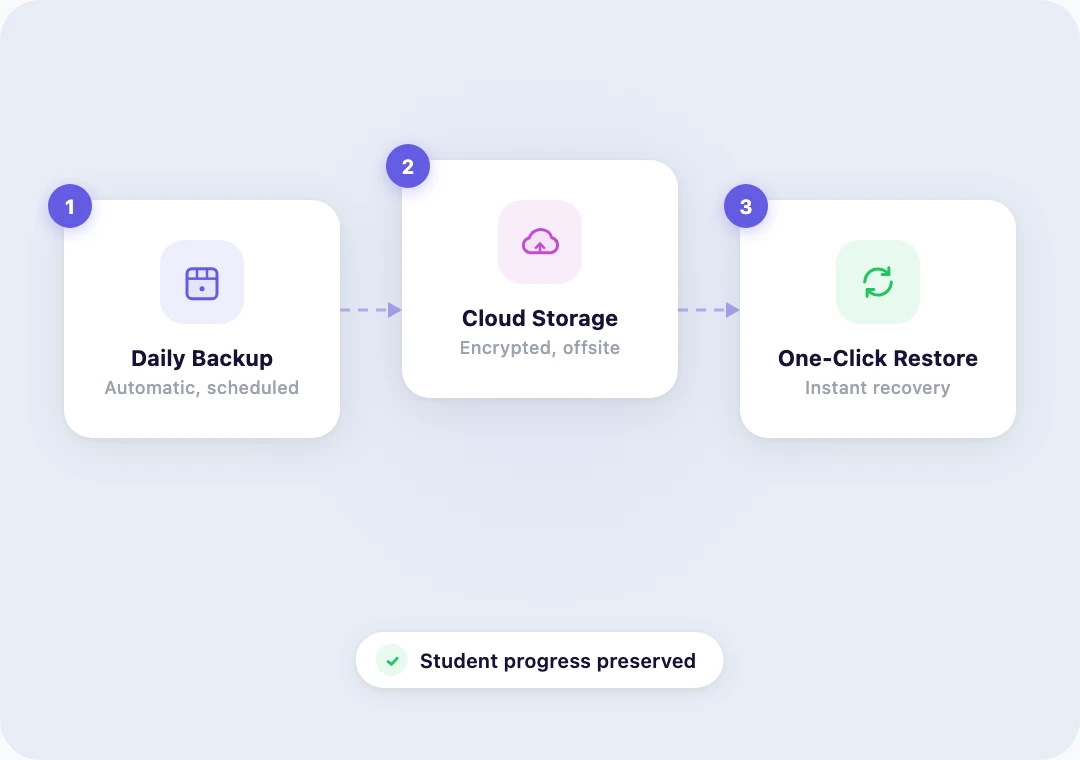
Offsite cloud backups with one-click restore. If a change does something you did not expect, the version before it is one click away.

KeyDB & Redis Object Cache
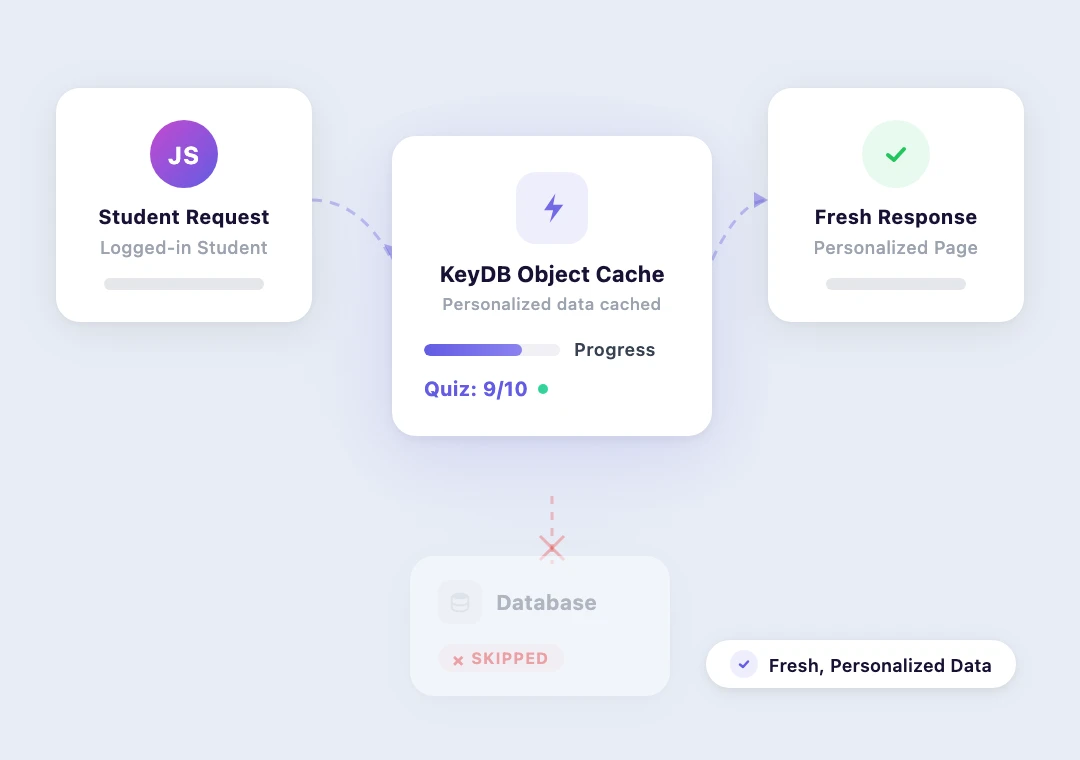
Available on Business plans and above. Caches database queries in memory, so the queries your snippets make stay fast under load.

Isolated Cloud Containers
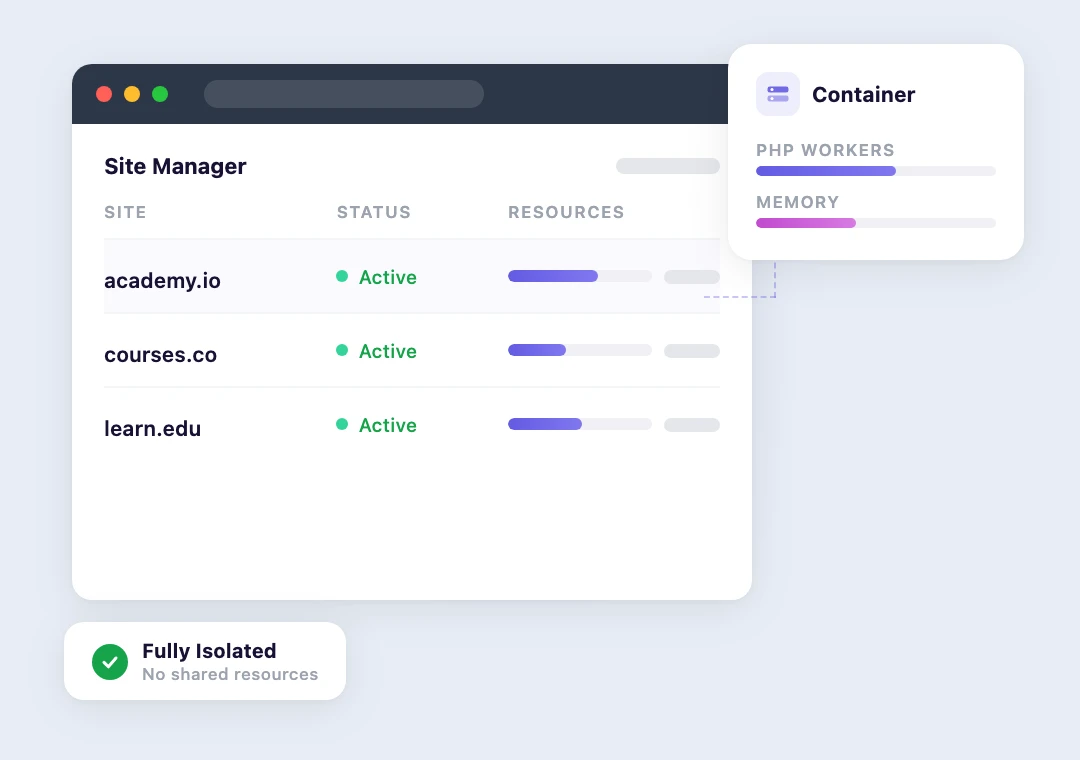
Dedicated resources in your own isolated environment. Another customer's traffic spike won't touch your site.

Cloudflare's Enterprise CDN
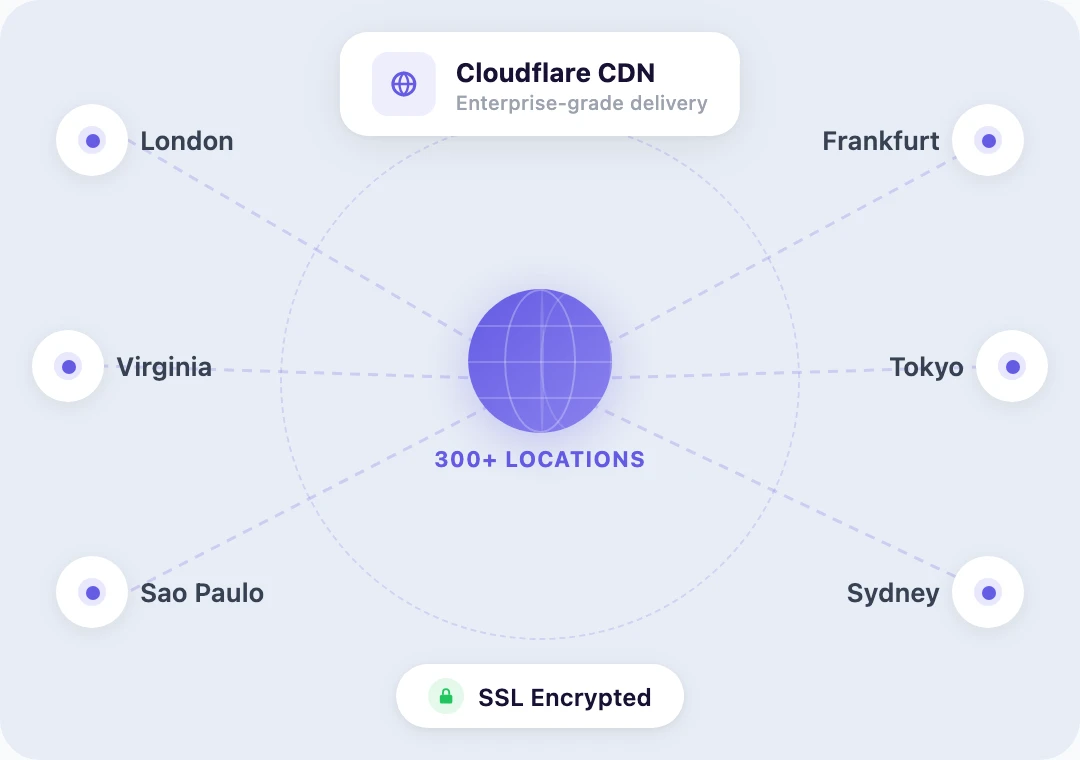
300+ edge locations serve your pages and assets fast worldwide, with free WAF and DDoS protection on every plan.

24/7 WordPress Experts
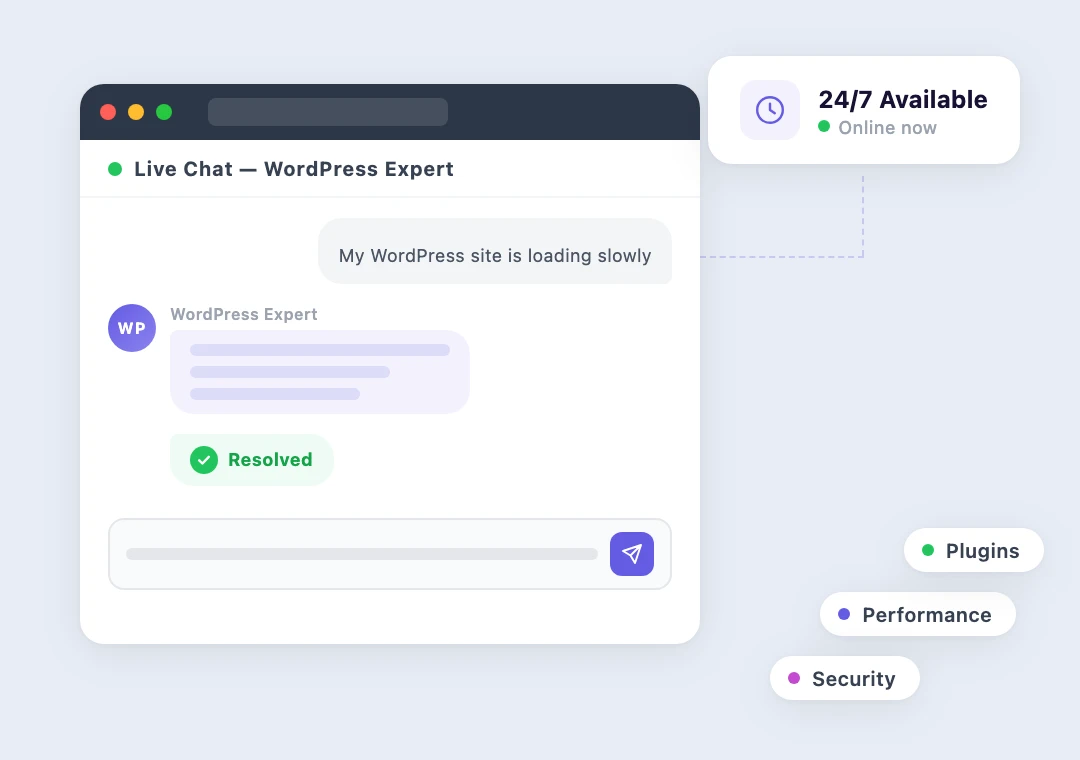
Support from people who read PHP and can look at a stack trace with you instead of asking you to disable all your plugins.

Free Site Migration
We move your site with minimal downtime. Database, snippets, plugins, and DNS, all handled for you.
"The whole point of WPCode is that adding code should not feel risky. People still need somewhere safe to try it, and a server that runs it quickly once it is live. Levamo gives you staging to test on and the PHP headroom to not think about the rest, which is most of what I would tell a nervous user to go and find."
Mircea Sandu, Product Manager for WPCode & WPConsent
See How Levamo Handles WPCode Sites
Test it somewhere safe, then run it somewhere fast.
Code That Runs Without Costing You Speed
Every active snippet is PHP executing on the requests it is attached to. A tracking pixel in the header, a conditional block on your checkout, a custom function on a template: each one is work your server does before the page reaches the visitor.
Dedicated PHP workers mean that work happens with headroom rather than in a queue, and on Business plans and above KeyDB & Redis object cache keeps any database lookups your snippets make in memory.
Why Site Owners Choose Levamo
Adding code to a live site should be boring. That takes infrastructure.
PHP Headroom So Added Code Stays Cheap
The honest trade-off with snippets is that each one is work. Usually it is a small amount, but it happens on every matching request, and on constrained hosting small amounts of work are exactly what turns into queuing.
Every Levamo environment has dedicated PHP workers and memory that scale automatically. You get to add the thing you need without first calculating what it will cost you.
Your Own Container. Your Own Resources. No Neighbors.
On shared hosting, your PHP sits in a pool with everyone else's. A neighbour having a busy afternoon becomes your slow afternoon, and you will spend it looking at your own recent changes for a cause that was never there.
Every Levamo environment runs in its own isolated container with dedicated PHP workers and memory. When something changes, it changed because of something you did.
Built by the Team Behind BuddyBoss
Levamo was founded by the same team that built BuddyBoss. Our platform powers sites running WooCommerce, BuddyBoss, and LearnDash together, some of the most demanding WordPress workloads that exist.
Running those sites means living with custom code in production. The platform is built around the assumption that people will add things to their site, which is why staging, backups, and PHP version control are on every plan rather than reserved for the top tier.
Support From People Who Read PHP
Our 24/7 team is made up of WordPress specialists who work at the server level every day. If a snippet is throwing an error, they will look at the log with you rather than send you a link to a generic troubleshooting article.
Whether it's a fatal error, a conflict between two snippets, or a question about which PHP version to run, you'll get expert help via live chat. No waiting days for a response.
What Our Customers Say About Levamo
Soren Jensen
Carlos Franco
Dennis W.
 G2
G2
Roger
Yassine M.
G2
Domainsnow
Frequently Asked Questions
Have questions about hosting WPCode on Levamo? We've got answers.
Will running a lot of snippets slow my site down?
Each active snippet is PHP that runs on the requests it is attached to, so the honest answer is that it depends on what the snippet does and how many requests it touches. What Levamo changes is the headroom: dedicated PHP workers and memory that scale automatically, plus KeyDB & Redis object cache on Business plans and above for any database work your snippets do. If you suspect a specific snippet is expensive, our support team can help you find out.
Can I test a snippet before it goes live?
Yes. 1-click staging is included on every Levamo plan. Clone your site, add the snippet on the staging copy, confirm it does what you expect, and then put it live. This is the single best habit to build if you add code to a site that matters.
What happens if a snippet breaks my site?
WPCode's own error handling will usually catch a bad snippet and deactivate it for you. If something still gets through, you have automated daily backups with one-click restore, and our 24/7 team can get you back to a working state and then help you work out what happened. You will not be locked out with no way back.
Can I change PHP versions?
Yes, PHP version management is included on every plan and you control it from your dashboard. If you have a snippet that depends on a newer language feature, or an older one you are not ready to retire, you can move at your own pace. Pair it with staging to check before you switch the live site.
Can you migrate my site and all my snippets?
Yes, and it's free. Snippets live in your WordPress database, so they come across with everything else. Our migration team handles the full database transfer, plugin compatibility verification, media files, DNS configuration, and SSL setup, with minimal downtime.

Add Code Without Holding Your Breath
Join the site owners who trust Levamo for fast PHP, real staging, and backups that work.