Rapyd Cloud is now Levamo - read the announcement
News

Schedule Your Backups Using Your Local Timezone

The Levamo Team · · 1 min read
Schedule Your Backups Using Your Local Timezone
Share

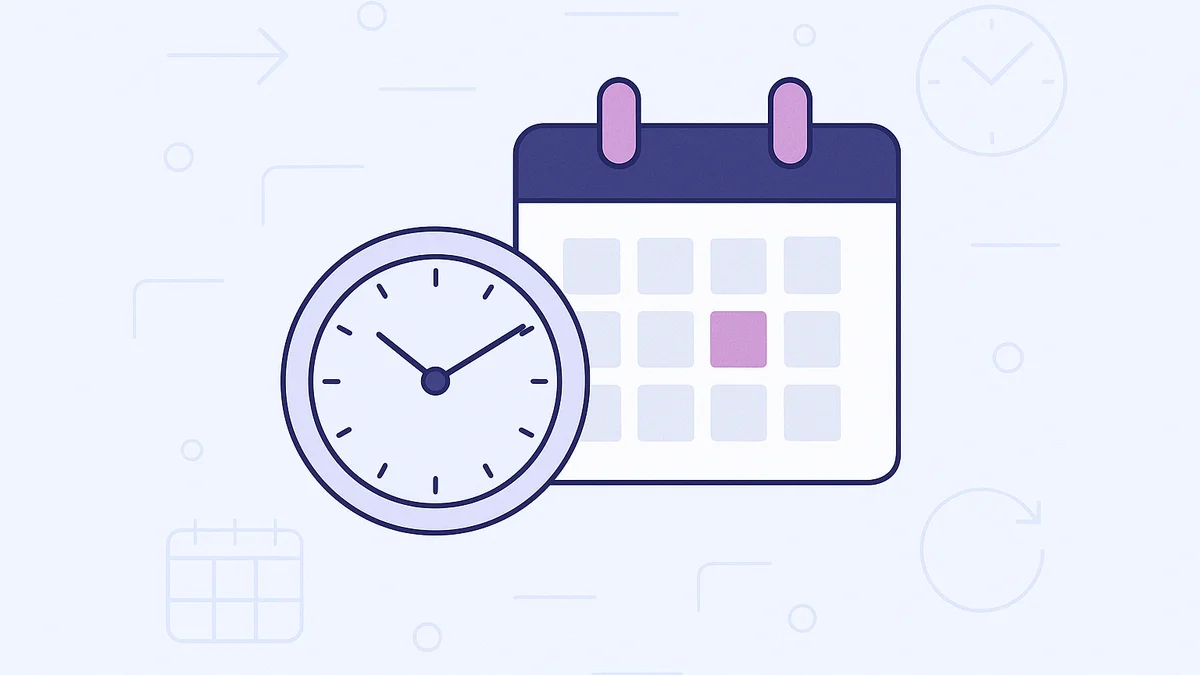
We've made backup scheduling simpler by eliminating the need to work exclusively with multiple time zones.

Table of Contents

What's New?

You can now specify your preferred timezone when scheduling backups, rather than being limited to UTC. This makes it easier to plan backups during off-peak hours specific to your location.

Here's what changed:

  • Timezone selection: Now available in the backup scheduling interface
  • Display: The selected timezone displays in the backups management area
  • Execution: Backups execute at the specified local time
  • Completed backups: Details remain shown in UTC format

Learn More

See our Creating and Managing Backups knowledge base article for additional information on backup management features.

Share

Hosting for WordPress

Put your WordPress site on Levamo

We migrate your WordPress site for you, free, with minimal downtime.

  • Free white-glove migration
  • Free 3-day trial, no risk
  • 14-day money-back guarantee
Start for free

There's More to Read

Hosting for WordPress

Put your WordPress site on Levamo

We migrate your WordPress site for you, free, with minimal downtime.

Start for free
Fleet, the Levamo mascot

Ready for a faster, more reliable WordPress site?

Start your free trial and see the difference instantly. When you're ready to move, our team handles your full migration for free - minimal downtime, fully optimized.