U.S. shoppers will spend an estimated $47.5 billion online between Thanksgiving and Cyber Monday, according to Adobe. That is 17.3% of the whole holiday season's online spending, all within five days.
For a WordPress site, that spending means a spike in visitors, and you need a host that keeps your pages loading fast and your site online. Choosing the fastest WordPress hosting you can get before the rush starts is not optional. It is the difference between a sale completing and a shopper clicking away.
Cyber Monday (November 30) is the peak of those five days. Adobe forecasts it above $15 billion, with Black Friday second at $12.9 billion.
Traffic is also growing far faster than orders. Salesforce's Shopping Index shows global digital traffic up 18% in the second quarter, while orders grew by only 1%. Salesforce also predicts that 20% of this year's holiday ecommerce traffic will come from AI agents, including bots that answer shopper questions and scrapers that check competitor prices.
Every one of those visits draws on your server's resources, whether the visitor buys anything or just browses. Your hosting has to handle far more traffic than your sales figures alone would suggest.
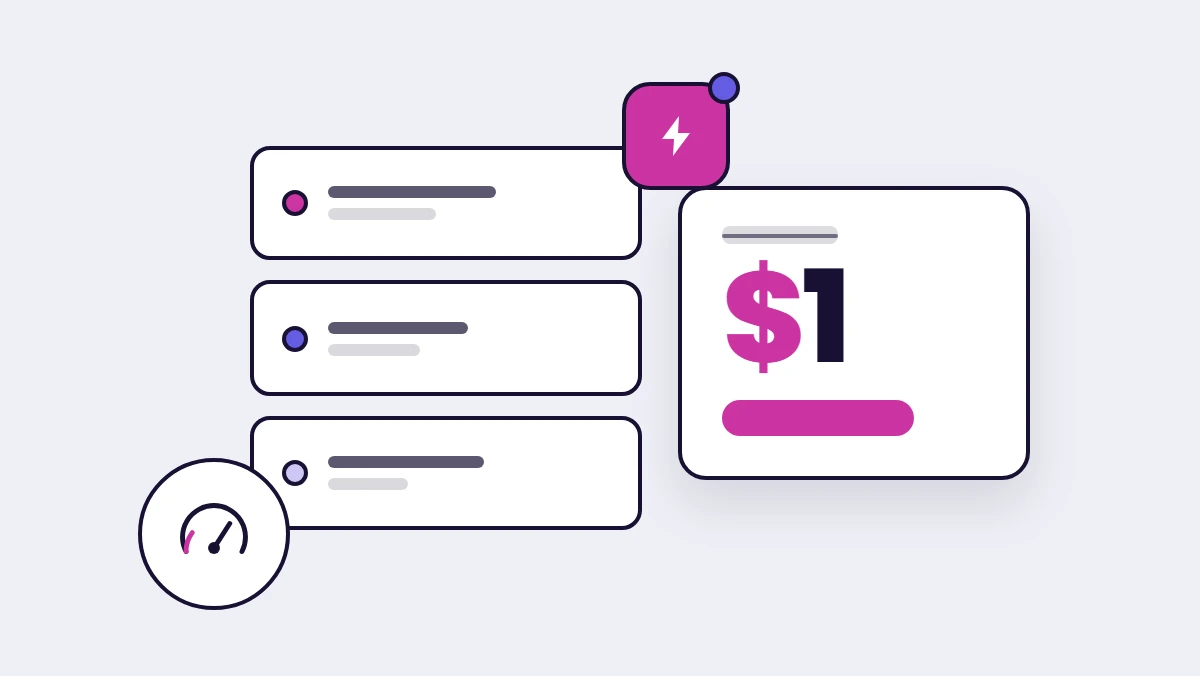
If you are looking to move your WordPress site before the holiday rush, Levamo offers your first month for just $1, with a free white-glove migration included.
Levamo's Black Friday WordPress Hosting Deal 2026
Levamo's Black Friday offer is the most straightforward managed WordPress hosting deal this season: $1 for your first month, with a free white-glove migration included. No promo code, no fine print. It auto-applies at checkout.
What the offer covers
The $1 first month applies across all Levamo hosting plans.
Free SSL and a free white-glove migration are included on every plan at every price point.
| Feature |
Starter 1 |
Business 1 |
| Best for |
Blogs and small stores |
Growing stores and communities |
| Monthly billing |
$35/mo |
$119/mo |
| Annual billing |
$29/mo |
$99/mo |
| Black Friday price |
$1 first month |
$1 first month |
| LiteSpeed + HTTP/3 |
Yes |
Yes |
| Cloudflare Enterprise CDN |
Yes |
Yes |
| Container isolation |
Yes |
Yes |
| Daily backups + 1-click restore |
Yes |
Yes |
| Staging |
Yes |
Yes |
| AI Management |
Yes |
Yes |
| 24/7 live chat support |
Yes |
Yes |
| KeyDB & Redis Object Cache |
No |
Yes |
| Auto-scaling PHP workers |
No |
Yes |
How to claim the Levamo Black Friday offer
Getting started takes three steps.
-
Go to levamo.com/pricing and choose a plan.
-
The $1 first month is applied automatically at checkout. No code needed.
-
Submit your migration request from your dashboard. Our team handles the move within 48 business hours.
What makes WordPress hosting fast
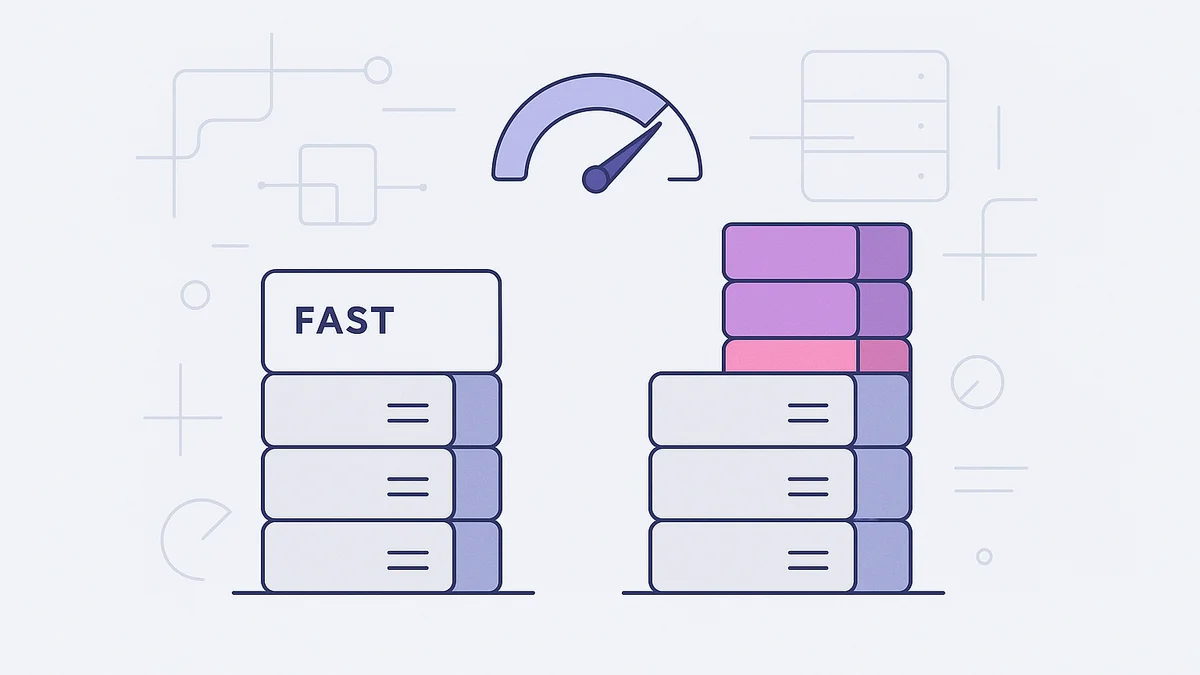
Google's web.dev rates a server response of 0.8 seconds or less as good, and anything above 1.8 seconds as poor. It points to hosting as the first place to investigate when response time is slow.
If you are comparing hosts before Black Friday, ask each one these five questions.
1. What web server and PHP setup does it run? The setup determines how many concurrent requests the server handles at once. LiteSpeed handles significantly more concurrent connections than traditional NGINX or Apache setups, which matters most when hundreds of shoppers hit your checkout at the same time.
2. How does it handle caching? Saving finished pages and database query results cuts the work the server does on each visit. Object caching (Redis or KeyDB) is especially valuable for WooCommerce checkouts and membership platforms, where page caching alone is not enough because every page is built fresh for a logged-in visitor.
3. Where are the data centers, and is a CDN included? A data center in your visitors' region shortens the round trip for pages built on the fly. A CDN serves images, scripts, and fonts from locations close to your visitors. The difference shows up in TTFB.
4. Which PHP and database versions does it run? Each new PHP release generally processes requests faster. The database engine matters too: MariaDB performs better than older MySQL versions on most WordPress workloads.
5. How does it scale on busy days? Some hosts let you manually resize to a larger server. Others scale PHP workers up and down automatically as traffic changes, with no restart and no support ticket required.
Before you commit to any host, test it on your cart and checkout pages. A cached front page is fast everywhere. A WooCommerce cart, a membership login, or a course page builds fresh for every visitor. That is where real hosting performance shows up.
How Levamo speeds up WordPress
Picture Black Friday, 2 p.m.: 400 people in checkout at the same time, another thousand browsing the catalog, and AI bots scraping prices in the background. That is exactly when most shared hosting and underpowered managed hosts break. Levamo's stack is built for that moment.
LiteSpeed with HTTP/3. Levamo runs OpenLiteSpeed on every plan, with HTTP/3 enabled by default. LiteSpeed handles high concurrency efficiently, and HTTP/3 reduces latency for visitors on mobile connections, which make up most holiday shopping traffic.
Enterprise Cloudflare CDN on every plan. Cloudflare's Enterprise-grade CDN, with WAF and DDoS protection, is included on every Levamo plan including Starter, across 300+ Cloudflare locations. Most managed hosts charge extra for it or reserve it for their most expensive tiers.
KeyDB & Redis Object Cache. From Business plans up, object caching stores database query results in memory, so WordPress does not re-run the same expensive queries on every page load. On a WooCommerce store with a large product catalog, or a membership site with complex permission checks, this is the single biggest factor in how the site feels under load.
Container isolation. Every site runs in its own isolated environment. Your resources are not shared with other customers on the same server, so a traffic spike on someone else's site will not affect yours.
Levamo is also migrating its infrastructure from AWS to Oracle Cloud Infrastructure, with every new server running AMD Zen 5 processors alongside faster memory and storage. In internal testing with WPPerformanceTester, the new infrastructure processed close to twice as many WordPress queries per second, rising from roughly 2,400 to 5,000.
Across six managed hosts benchmarked, Levamo returned a 9.3 WP Benchmark score, 2,958 queries per second, 353 requests per second under sustained load, and 95% on GTmetrix. That averaged 64% faster than the other hosts tested. Full methodology is on our performance page.
How to prepare your WordPress site for Black Friday traffic
Do this work before the sale starts. A failed update or a misconfigured plugin is far easier to fix on a quiet afternoon than at 2 p.m. on Black Friday.
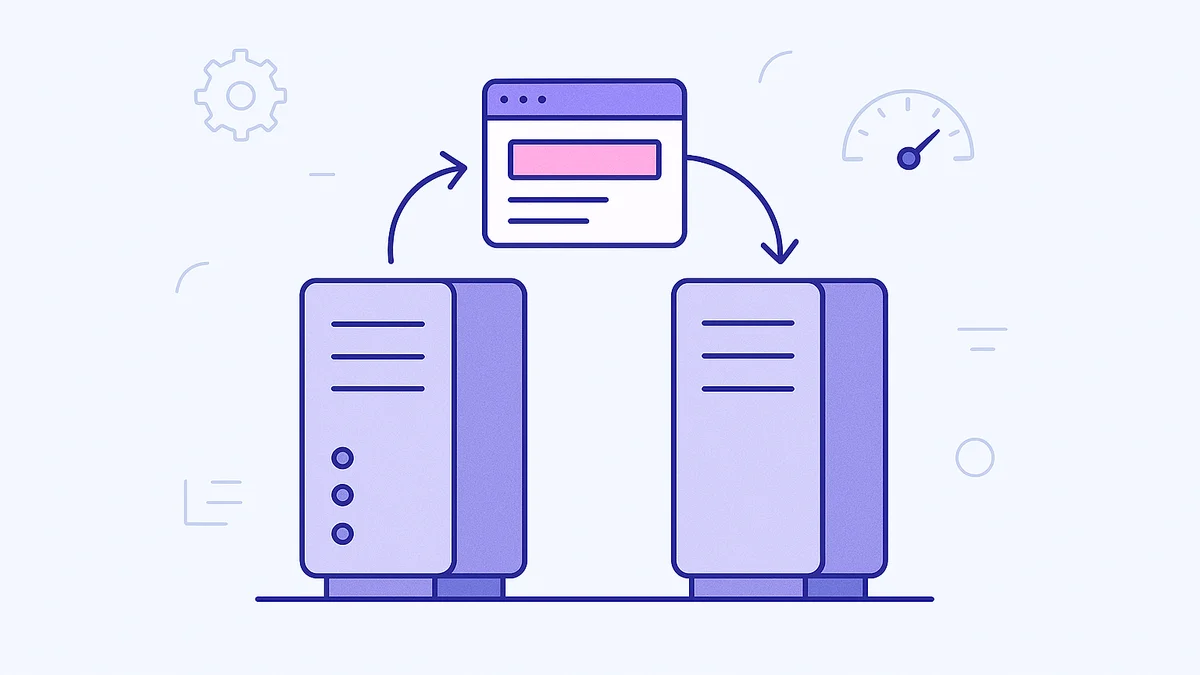
Test your checkout on staging first. Every Levamo plan includes a 1-click staging environment. Push any plugin updates or PHP version changes to staging, run a full test order through to confirmation, and push to production only once it passes.
Switch to hourly backups for the sale window. Daily backups are included on every plan. For the sale period, the hourly backup add-on ($10/mo per site) gives you an hourly restore point. Take a manual snapshot before any change.
Check your PHP worker allocation. Business and Performance plans include auto-scaling PHP workers. If you are on Starter and expect a significant traffic spike, upgrade your plan before the sale rather than during it.
Connect your domain to Levamo's Cloudflare system. If your domain is not already managed through Levamo's Cloudflare setup, do it before the sale. It gives our team full control over DNS, CDN rules, and WAF settings during the sale window, and means DNS changes propagate near-instantly.
Reach out to support before the rush, not during it. Our team is on 24/7 live chat with sub-minute response times. If anything looks off in the days before the sale, raise it then. The team handles WooCommerce, membership plugins, LMS stacks, and anything at the server level, not just ticket routing.
Wrapping up
The five days between Thanksgiving and Cyber Monday drive nearly a fifth of the entire holiday season's online spending, and traffic is growing much faster than orders. If your hosting cannot keep your checkout fast under that load, you lose sales you have already earned through the rest of the year.
If you are planning to move your WordPress site, Levamo makes it easy to get started with your first month for $1 and a free white-glove migration. If you are moving from another host, the migration team handles it within 48 business hours with minimal downtime. Test your cart and checkout on the new server before the sale starts.
Get started with Levamo for just $1 for your first month. Free migration included, no promo code needed. Explore plans.
Looking for deals on the rest of your stack? We rounded up the best Black Friday 2026 deals on WordPress plugins and tools from our partners.