Your payment gateway is the one piece of your WooCommerce store that touches real money. It handles the moment a visitor becomes a customer, and everything about that moment matters: how fast the checkout page loads, how many payment methods you offer, what fees come off the top, and whether the whole thing feels trustworthy enough for someone to type in a card number.
Pick the wrong gateway, and you leave money on the table. Checkout abandonment, failed transactions, missing payment methods that your customers expect, or fees that eat into margins you cannot afford to lose. Pick the right one, and it disappears into the background, doing its job quietly on every order.
This guide covers the best WooCommerce payment gateway plugins available right now, with honest details on fees, supported payment methods, geographic reach, and what each one is actually best for. No filler, no ranked lists based on affiliate payouts. Just the information you need to choose.
What to Look for in a WooCommerce Payment Gateway
Transaction fees. Most gateways charge a percentage plus a fixed fee per transaction (typically 2.9% + $0.30 in the US). That sounds small until you do the math on a thousand orders a month. Also watch for international transaction surcharges, currency conversion fees, and monthly subscription costs that some gateways add on top.
Supported payment methods. Credit and debit cards are the baseline. Beyond that, you want digital wallets (Apple Pay, Google Pay), buy-now-pay-later options (Klarna, Affirm, Afterpay), and local payment methods that matter in your target markets. The more methods you support, the fewer customers bounce at checkout because they cannot pay the way they prefer.
Geographic reach. If you sell internationally, your gateway needs to support multiple currencies and work in the countries your customers live in. A gateway that only covers the US and Canada is fine for a domestic store but a dead end if you plan to grow globally.
Checkout experience. Does the customer stay on your site (on-site checkout), or do they get redirected to the gateway's domain? On-site checkout converts better because it keeps the buying flow seamless. Redirects introduce friction, and friction kills sales.
Subscription and recurring payment support. If you sell subscriptions, memberships, or payment plans, your gateway needs to handle automatic recurring billing. Not all of them do, and bolting it on later is messy.
Security and PCI compliance. Your gateway should handle PCI DSS compliance for you, ideally through tokenization (where the actual card number never touches your server). Under PCI DSS 4.0.1, which is now fully in effect, you are responsible for every third-party script running on your checkout page. A gateway that uses hosted fields or off-site processing significantly reduces your compliance scope.
1. WooPayments
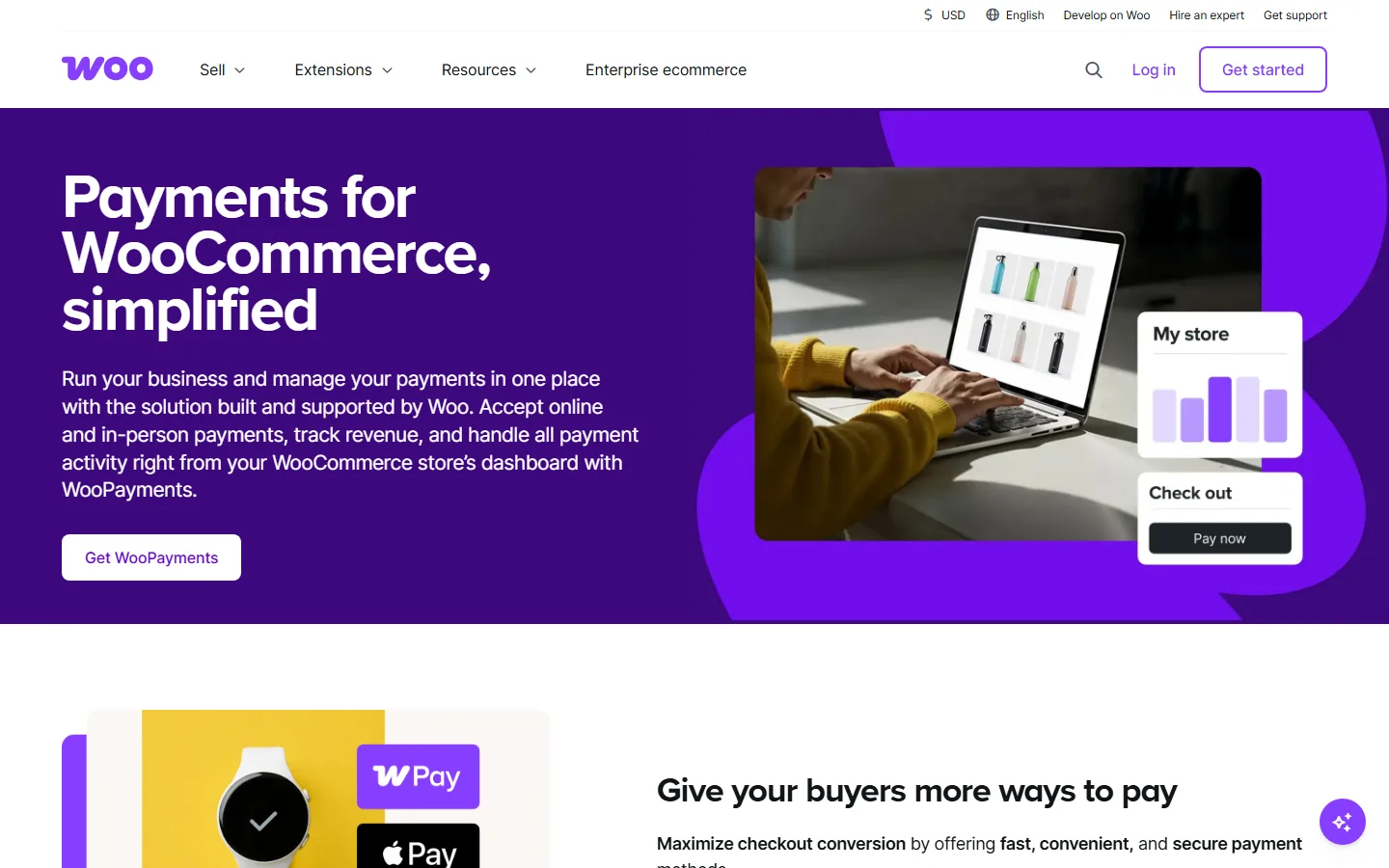
Best for: Store owners who want everything managed inside the WooCommerce dashboard.
WooPayments (formerly WooCommerce Payments) is the official, first-party payment gateway built by the WooCommerce team. It is powered by Stripe under the hood, but the entire experience lives inside your WordPress admin. You manage transactions, track deposits, handle refunds, and view payment analytics without ever leaving WooCommerce.
Fees: 2.9% + $0.30 per transaction (US domestic). No monthly fees, no setup costs.
Supported methods: Major credit and debit cards, Apple Pay, Google Pay, and local payment methods including iDEAL, Bancontact, SEPA, and buy-now-pay-later options (Klarna, Affirm, Afterpay) in supported regions.
Key features:
- Full dashboard integration, everything managed from WooCommerce admin
- Support for 100+ currencies
- Instant payouts to a debit card (including nights, weekends, and holidays)
- Built-in subscription and recurring payment support
- Express checkout via Apple Pay and Google Pay
- Fraud protection tools included
- PCI compliant (handled by WooCommerce and Stripe)
Limitations: Available in roughly 40 countries (not as broad as Stripe directly). Payout schedules can be slower in some regions with 1-2 day deposit delays. If you need advanced Stripe features like Stripe Radar's custom rules, you may want Stripe directly instead.
The bottom line: If you want the simplest possible setup and you like managing everything from one dashboard, WooPayments is the obvious first choice. It is free to install, there are no monthly fees, and you can be accepting payments in under three minutes.
2. Stripe
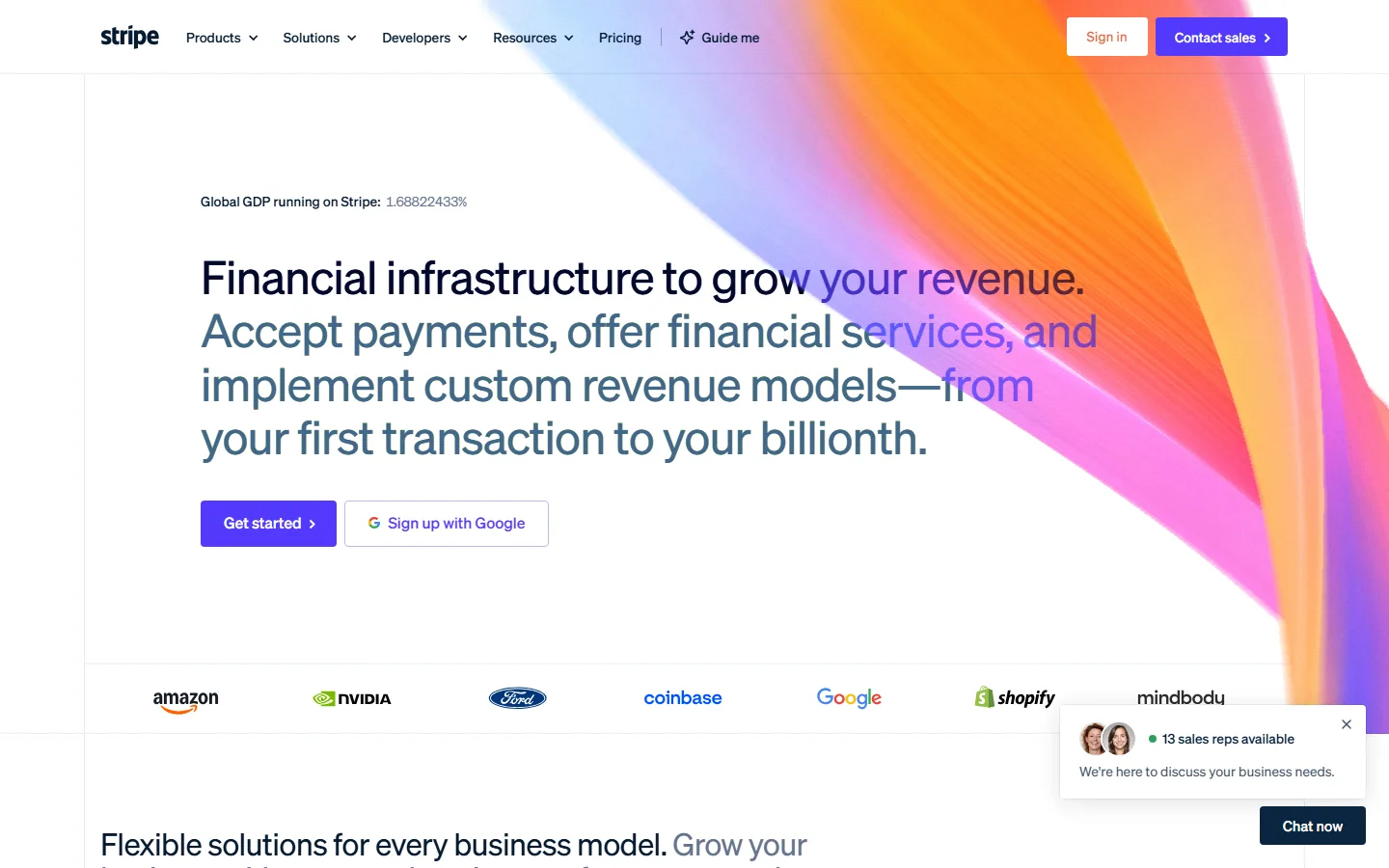
Best for: Stores that want maximum payment method coverage, global reach, and developer flexibility.
Stripe is the most widely used payment gateway for WooCommerce, and for good reason. It supports more payment methods, more currencies, and more countries than almost any other option. The checkout experience is clean, fast, and stays entirely on your site.
Fees: 2.9% + $0.30 per transaction (US). Additional 1.5% for international cards. Additional 1% for currency conversion.
Supported methods: Credit and debit cards, Apple Pay, Google Pay, Alipay, iDEAL, Bancontact, SEPA Direct Debit, Klarna, Affirm, Afterpay, and dozens more depending on region.
Key features:
- On-site checkout (no redirects)
- 135+ currencies across 190+ countries
- Stripe Radar for machine-learning fraud detection
- Tokenization so card data never touches your server
- Subscriptions and recurring billing
- 3D Secure (SCA) support for European compliance
- A developer-friendly API with extensive documentation
Limitations: The 1.5% international card surcharge adds up for stores with heavy cross-border sales. Account holds or freezes can happen with new accounts or unusual transaction patterns. Limited in-person POS options compared to Square.
The bottom line: Stripe is the default choice for most WooCommerce stores, and it earned that position. The combination of global reach, payment method variety, on-site checkout, and strong fraud prevention is hard to beat. If you are unsure which gateway to pick, start here.
3. PayPal

Best for: Stores that want to offer a trusted, recognizable payment option alongside card payments.
PayPal needs no introduction. It is the most recognized online payment brand in the world, and a significant number of shoppers prefer it because they do not have to enter card details on a site they may not fully trust yet. For WooCommerce, PayPal offers several integration options, but the current recommended approach is the PayPal Payments plugin that includes both PayPal checkout and direct card processing.
Fees: 2.99% + $0.49 per transaction (US, standard). Additional 1.5% for cross-border transactions. Currency conversion fee of 3-4% above the exchange rate.
Supported methods: PayPal balance, linked bank accounts, credit and debit cards, PayPal Credit, Venmo (US), and buy-now-pay-later options.
Key features:
- Instant brand trust (shoppers recognize the PayPal button)
- Buyer protection, which increases customer confidence
- Express checkout that skips the billing form entirely
- Available in 200+ countries and 25+ currencies
- PayPal Credit and BNPL options built in
- Venmo integration for US stores
Limitations: PayPal's dispute resolution tends to favor buyers, which can be painful for merchants dealing with chargebacks. The redirect-based checkout flow (where customers leave your site) reduces conversion compared to on-site checkout. Fees are slightly higher than Stripe for domestic transactions. Limited checkout page customization.
The bottom line: PayPal should not be your only payment gateway, but it should probably be one of them. Studies consistently show that offering PayPal alongside card payments lifts checkout conversion by 5-15%, especially in markets where credit card fraud anxiety is high. Use it as a secondary option next to Stripe or WooPayments.
4. Square

Best for: Stores that sell both online and in person (retail, pop-ups, markets).
Square is the strongest option for WooCommerce stores that also have a physical presence. It syncs inventory, orders, and customer data between your online store and Square's POS system, so you do not end up managing two separate systems.
Fees: 2.9% + $0.30 per online transaction (US). 2.6% + $0.10 for in-person transactions. No monthly fees.
Supported methods: Major credit and debit cards, Apple Pay, Google Pay.
Key features:
- Real-time inventory sync between WooCommerce and physical POS
- Unified reporting across online and in-person sales
- Built-in invoicing
- Local pickup and delivery options
- Integration with Instagram shopping
- Transparent, flat-rate pricing with no hidden fees
Limitations: Geographic availability is limited compared to Stripe and PayPal (US, Canada, UK, Australia, Japan, and a few others). Fewer online payment methods (no BNPL, no SEPA, no iDEAL). Customer support can be slow during peak periods. Chargeback resolution timelines are longer.
The bottom line: If you sell at a physical location and online, Square is the clear winner for keeping everything in sync. If you are online-only, Stripe or WooPayments will give you more payment method coverage and a wider geographic reach.
5. Mollie
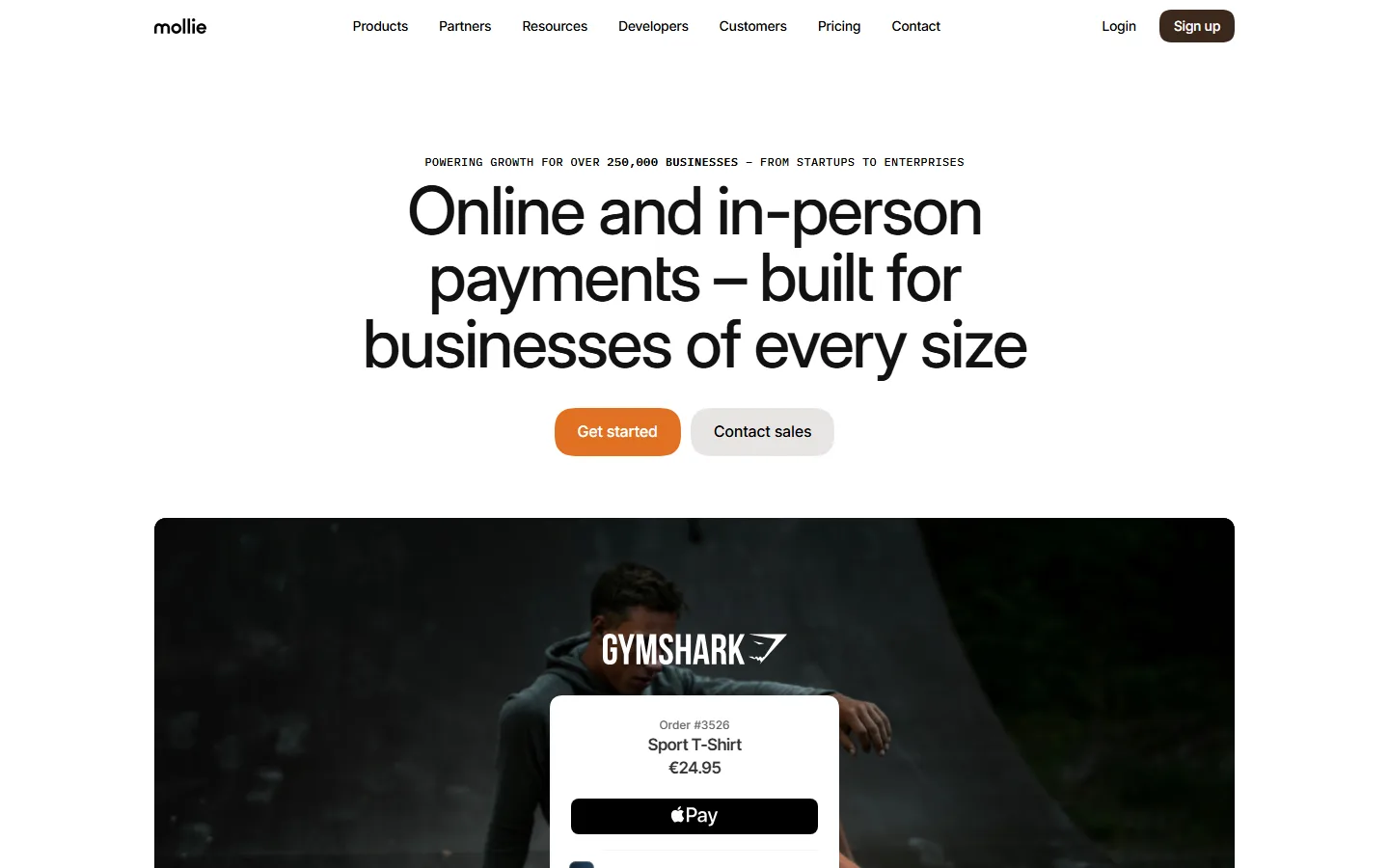
Best for: European stores that need local payment methods their customers actually use.
Mollie is a European payment service provider that excels at local payment methods. If your customers are in the Netherlands (iDEAL), Belgium (Bancontact), Germany (SOFORT, Giropay), or anywhere else in Europe where card payments are not the default, Mollie makes sure they can pay the way they prefer.
Fees: No monthly fees. Per-transaction pricing varies by payment method (for example, iDEAL transactions are a flat fee, card transactions are percentage-based). Transparent pricing published on their site.
Supported methods: iDEAL, Bancontact, SEPA Direct Debit, SOFORT, Giropay, EPS, Klarna, credit and debit cards, Apple Pay, PayPal, and more.
Key features:
- Deep coverage of European local payment methods
- Simple, clean WooCommerce integration
- Per-transaction pricing with no monthly commitments
- Checkout in the customer's preferred language and method
- Dashboard for managing payments, refunds, and chargebacks
Limitations: Limited relevance outside of Europe. Fewer global currencies compared to Stripe. Not ideal for stores with a primarily US or Asian customer base. Variable pricing per method makes fee forecasting less straightforward.
The bottom line: If your market is Europe, Mollie is essential. European shoppers have strong preferences for local payment methods, and offering them can dramatically improve your conversion rate. Pair Mollie with Stripe or WooPayments for global coverage.
6. Authorize.net
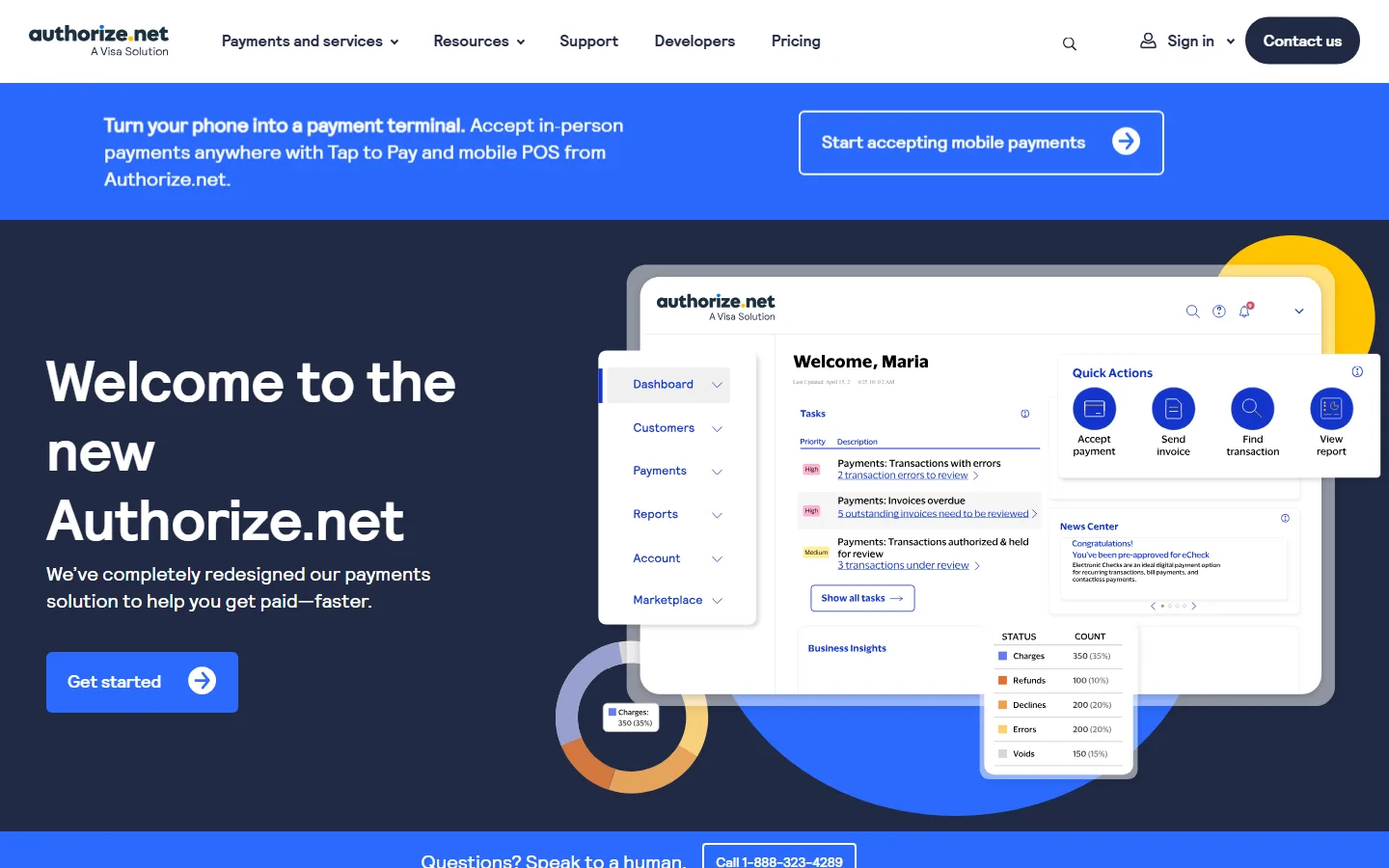
Best for: Established businesses that need advanced fraud protection and recurring billing.
Authorize.net is one of the oldest payment gateways in the industry, now owned by Visa. It is not the flashiest option, but it is one of the most reliable for businesses that process high volumes and need enterprise-grade fraud detection.
Fees: $25/month gateway fee + 2.9% + $0.30 per transaction.
Supported methods: Major credit and debit cards, Apple Pay, PayPal, e-checks (ACH).
Key features:
- Advanced Fraud Detection Suite (AFDS) with 13 configurable filters
- Recurring billing and subscription management
- 24/7 customer support
- Multi-channel payment support (online, in-app, phone orders)
- PCI DSS compliant
- Visa-owned reliability and uptime
Limitations: The $25 monthly fee makes it expensive for low-volume stores. Setup is more complex than Stripe or WooPayments. Geographic reach is limited (primarily US, Canada, UK, Australia, and parts of Europe). The interface feels dated compared to Stripe's dashboard.
The bottom line: Authorize.net is built for established stores that process enough volume to absorb the monthly fee. If you need enterprise-grade fraud protection, ACH payments, or phone-order processing, it delivers. For smaller stores, Stripe offers similar capabilities without the monthly cost.
7. Amazon Pay
Best for: Stores whose customers already shop on Amazon (which is most of them).
Amazon Pay lets customers check out using the payment and shipping information already saved in their Amazon account. For returning Amazon shoppers, this means a one-tap checkout with no forms to fill out.
Fees: 2.9% + $0.30 per transaction (US domestic). Higher fees for cross-border transactions.
Supported methods: Payment methods stored in the customer's Amazon account (cards, bank accounts).
Key features:
- One-tap express checkout using Amazon credentials
- Familiar, trusted interface for Amazon shoppers
- Multi-currency support (40+ currencies)
- Mobile-optimized checkout flow
- Fraud protection powered by Amazon's detection systems
- Available in 180+ countries
Limitations: Requires customers to have an Amazon account. Higher cross-border fees. Limited dispute resolution options compared to PayPal. The checkout UI is controlled by Amazon with minimal customization.
The bottom line: Amazon Pay works as a secondary checkout option alongside Stripe or WooPayments. It will not be every customer's preferred method, but for the ones who live in the Amazon ecosystem, the frictionless checkout can tip the conversion in your favor.
8. Razorpay
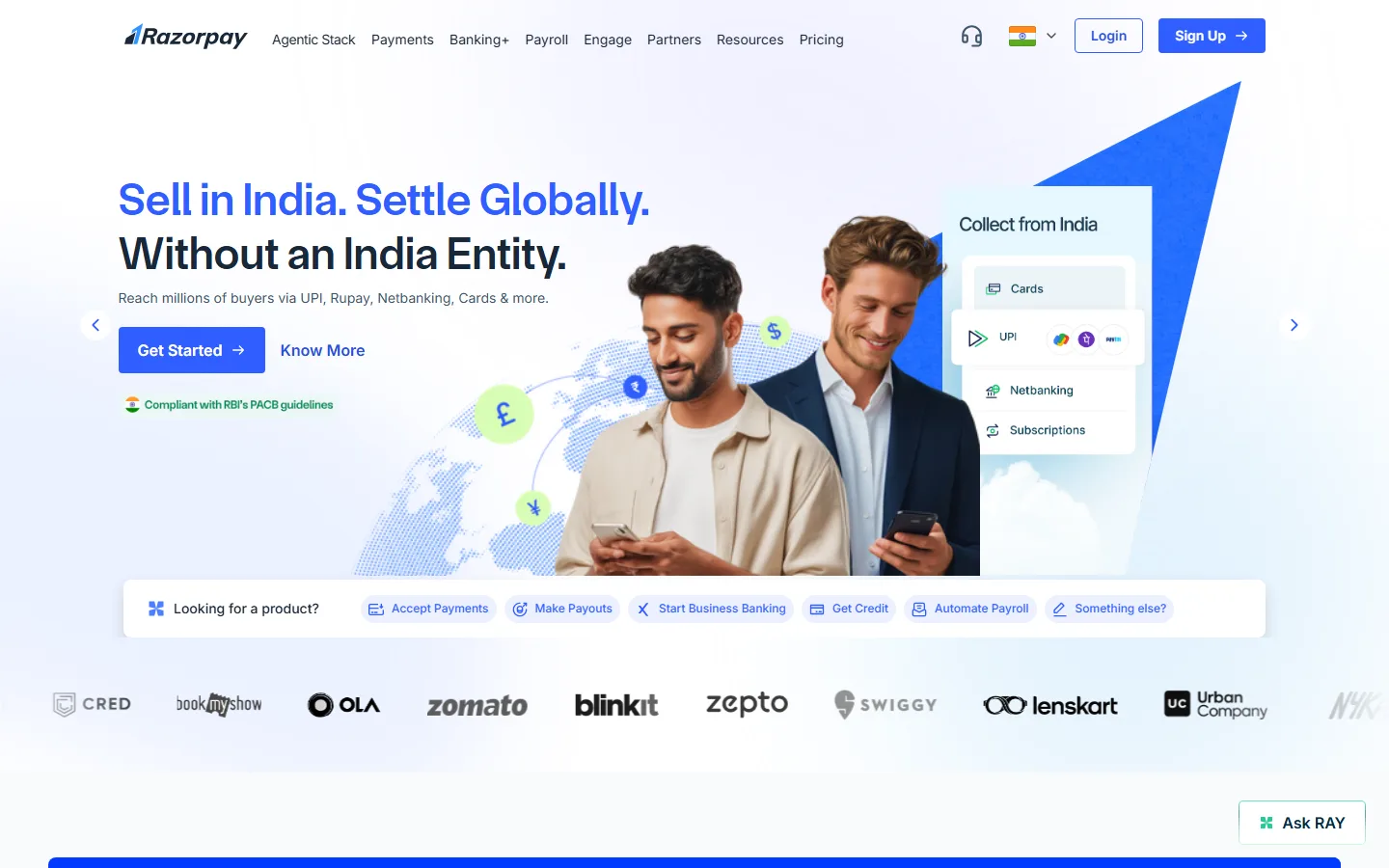
Best for: Stores targeting India and Southeast Asia.
Razorpay is the dominant payment gateway in India and has expanded into Malaysia and other Asian markets. If your WooCommerce store serves these regions, Razorpay gives you access to payment methods that Western gateways simply do not support.
Fees: 2% per transaction for domestic Indian payments. International transaction fees vary.
Supported methods: 100+ payment modes including UPI, net banking (all major Indian banks), credit and debit cards, EMI options, wallets (JioMoney, Mobikwik, Airtel Money, FreeCharge, PayZapp), and international cards. In Malaysia: FPX, DuitNow, GrabPay, Touch 'n Go, Boost.
Key features:
- Deepest coverage of Indian payment methods
- UPI integration (the most popular payment method in India)
- EMI options for higher-ticket purchases
- Multi-currency support for international transactions
- Dashboard with detailed payment analytics
- Subscription and recurring payment support
Limitations: Primarily focused on India and parts of Southeast Asia. Not suitable as a primary gateway for stores serving US or European markets. Regulatory requirements for Indian payment processing can add setup complexity.
The bottom line: If India is a significant market for your store, Razorpay is not optional. It supports payment methods that no Western gateway covers, and UPI alone accounts for a massive share of digital payments in India.
Quick Comparison Table
| Gateway |
Fee (US) |
Monthly |
Currencies |
Countries |
On-Site |
Subscriptions |
| WooPayments |
2.9% + $0.30 |
Free |
100+ |
~40 |
Yes |
Yes |
| Stripe |
2.9% + $0.30 |
Free |
135+ |
190+ |
Yes |
Yes |
| PayPal |
2.99% + $0.49 |
Free |
25+ |
200+ |
Redirect |
Yes |
| Square |
2.9% + $0.30 |
Free |
Limited |
~6 |
Yes |
Limited |
| Mollie |
Varies |
Free |
20+ |
Europe |
Yes |
Yes |
| Authorize.net |
2.9% + $0.30 |
$25 |
Limited |
~5 |
Yes |
Yes |
| Amazon Pay |
2.9% + $0.30 |
Free |
40+ |
180+ |
Redirect |
No |
| Razorpay |
2% (India) |
Free |
100+ |
India + SEA |
Yes |
Yes |
How to Choose: A Decision Framework
If the table above makes your head spin, here is a simpler way to think about it.
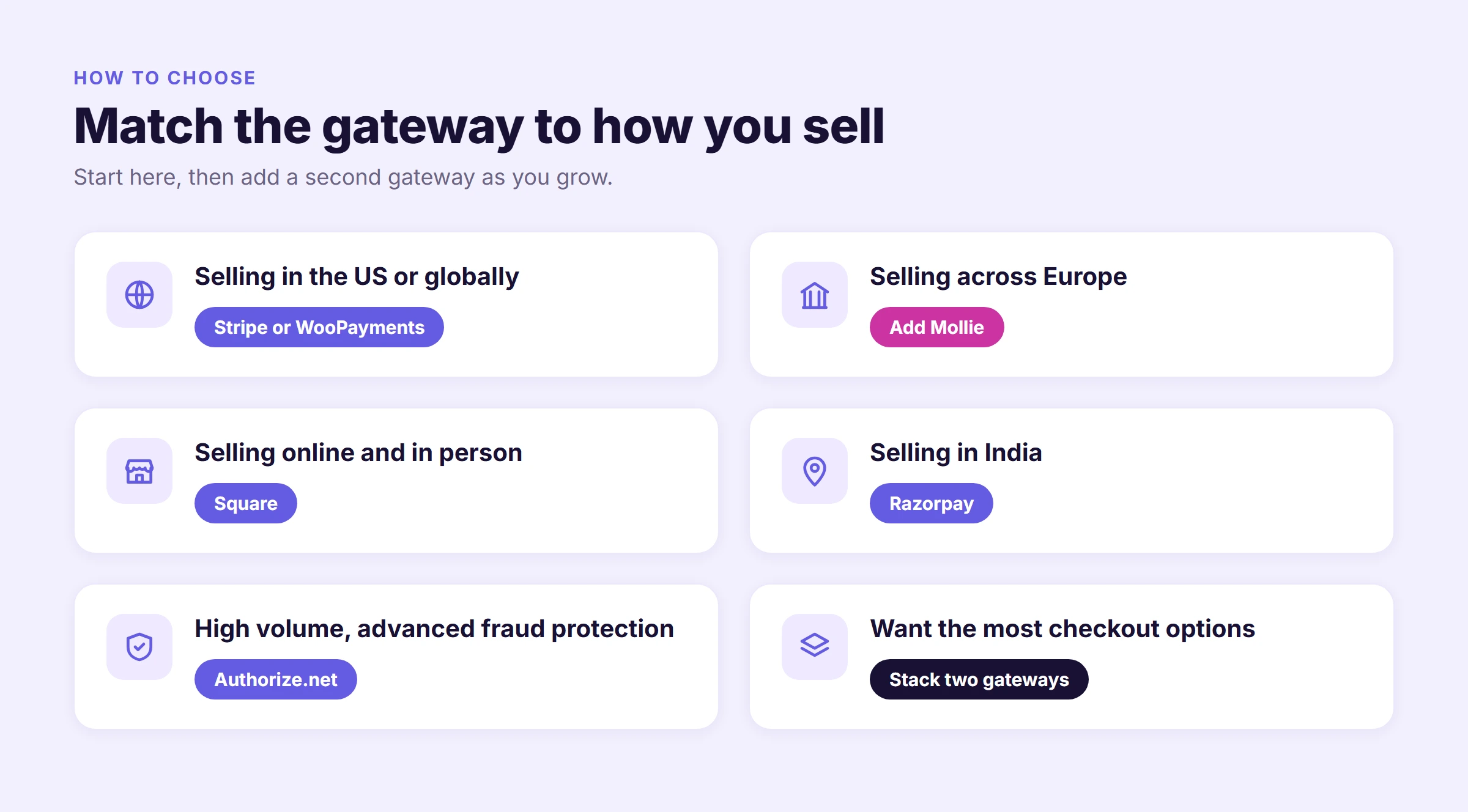
You sell primarily in the US or globally: Stripe or WooPayments. Stripe gives you the most payment methods and developer flexibility. WooPayments gives you the same Stripe backbone with a simpler, dashboard-integrated experience. Either one works. You can always add PayPal as a secondary option to capture shoppers who prefer it.
You sell in Europe: Add Mollie. European shoppers use iDEAL, Bancontact, SOFORT, and other local methods far more than cards in some markets. Mollie handles all of them. Use it alongside Stripe for full coverage.
You sell online and in person: Square. The inventory sync between WooCommerce and Square POS is the deciding factor here. No other gateway does omnichannel as cleanly.
You sell in India: Razorpay. UPI, net banking, and mobile wallets are non-negotiable for the Indian market. No Western gateway covers them.
You process high volume and need advanced fraud protection: Authorize.net. The monthly fee pays for itself in reduced chargebacks if you process enough transactions. The fraud detection suite is the most configurable in this list.
You want to offer the most checkout options: Stack two gateways. Most successful WooCommerce stores run Stripe (or WooPayments) as the primary gateway and add PayPal, Amazon Pay, or a regional gateway as a secondary option. WooCommerce supports multiple active gateways natively, so customers see all available options at checkout.
The Hosting Side of Payments: Why It Matters
Your payment gateway handles the financial transaction, but your hosting handles everything that leads up to it. A slow checkout page, a timeout during payment processing, or a security vulnerability on your site can cost you the sale, the customer, and potentially your PCI compliance standing.
Here is what your hosting needs to get right for payments to work reliably.
Checkout page speed. The checkout page is the most database-intensive page on your store. Cart contents, coupon validation, tax calculation, shipping rate lookups, and the payment form itself all run in real time. If your server is slow, the checkout page is where customers feel it most, and where they are most likely to abandon. A hosting stack with object caching (like KeyDB and Redis), auto-scaling PHP workers, and a tuned database layer keeps checkout responsive even during traffic spikes.
SSL and encryption. Every payment gateway requires HTTPS. Your hosting should provide free, auto-renewing SSL certificates on every site as a baseline, not as an add-on.
Web Application Firewall. PCI DSS 4.0.1 requires that your checkout page is protected against malicious scripts and attacks. A WAF that filters SQL injection, cross-site scripting, and credential stuffing at the network edge, before traffic reaches your site, is the most effective approach. A Cloudflare Enterprise WAF, for example, handles this at the CDN layer rather than relying on a WordPress security plugin.
Container isolation. If your hosting environment is shared with other customers, a compromise on a neighboring site could theoretically expose your checkout page. Container isolation ensures your store runs in its own dedicated environment with its own resources.
PCI DSS 4.0.1 and 2FA. The current PCI standard requires multi-factor authentication for all administrative access. Your hosting should support authenticator-app-based 2FA (not just email codes) and ideally let you enforce it across your entire team.
Backups before gateway changes. Switching payment gateways, updating a gateway plugin, or changing checkout settings is one of the riskiest moments for a live store. Your hosting should offer on-demand snapshots and one-click restore so you can roll back instantly if something breaks.
If your store runs on Levamo's managed WooCommerce hosting, all of this is already in place. LiteSpeed servers with KeyDB and Redis object caching keep your checkout pages fast under load. An Enterprise Cloudflare CDN with a managed WAF protects your payment pages at the edge. Container isolation keeps your store sealed in its own environment. Authenticator-app 2FA, with a team view of who has it enabled, supports the PCI DSS 4.0.1 multi-factor requirement. And daily backups (with optional hourly) give you a safety net before every gateway update.
Final Thoughts
The best WooCommerce payment gateway is the one that matches how and where your customers want to pay. For most stores, that means starting with Stripe or WooPayments as your primary gateway and adding a secondary option (PayPal, Mollie, or a regional gateway) to capture the customers who prefer a different method.
Do not overthink it. Install one, start selling, and add more options as you learn where your customers are and how they prefer to pay. Every gateway on this list integrates with WooCommerce in minutes, and you can always switch or add options later.
What you should not compromise on is the infrastructure underneath. A fast, secure, properly configured hosting environment is what keeps your checkout pages loading quickly, your transactions processing reliably, and your customer data protected. The gateway handles the payment. Your hosting handles everything else.