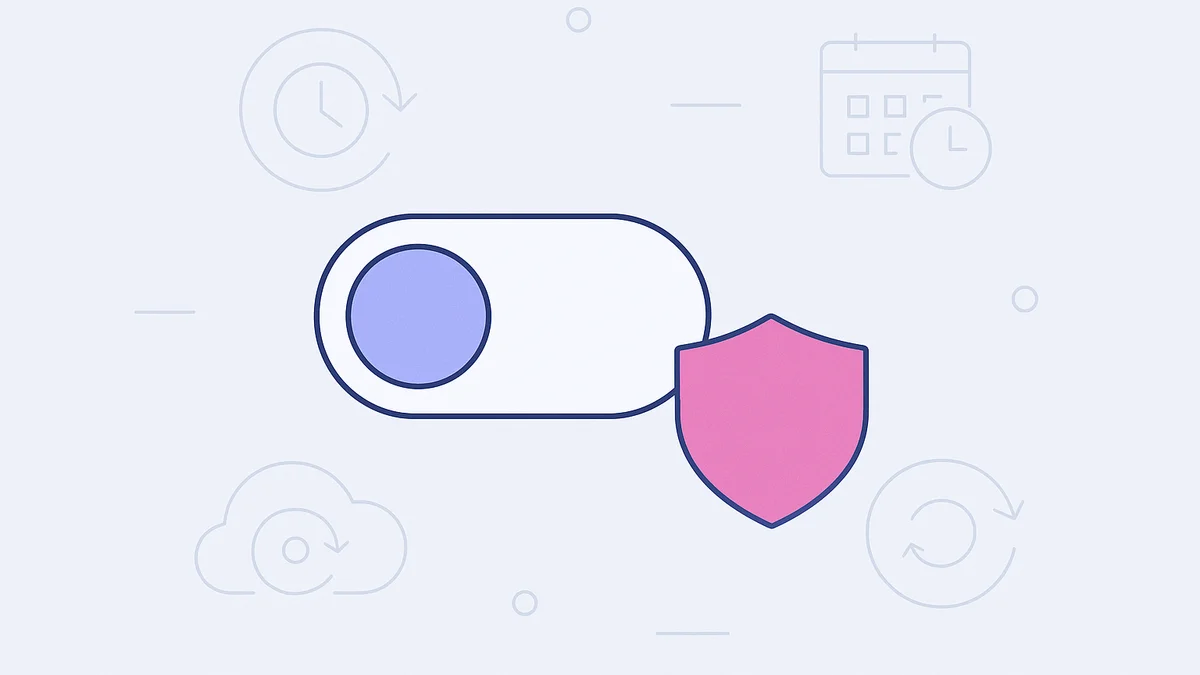
You can now decide whether each of your sites is backed up automatically. A new Automatic backups toggle in Backup settings lets you turn the schedule on or off per site, so you're no longer locked into automatic backups everywhere.
The toggle stays on by default, so your current sites keep backing up exactly as they do today. Nothing changes until you choose to turn it off.
Why We Added This
Not every site needs a backup schedule. You might be working on a staging site, a throwaway test environment, or a site you already back up through another system. In those cases, scheduled backups just create copies you don't need. Now you can switch them off per site and leave them on everywhere else.
How It Works
In the Levamo dashboard, open the site you want to manage and head to its Backups page. Under Backup settings, click Change to open the settings, then flip the Automatic backups toggle at the top of the panel.
Turn it off and save, and the scheduling options disappear while the Backups page shows automatic backups as Disabled. Turn it back on and your previous schedule returns.
Two things to know:
- Manual backups still work. Turning off the schedule doesn't touch the Create backup, restore, or download actions. You can create an on-demand backup anytime.
- Your existing backups are safe. Nothing already created is deleted when you turn automatic backups off.
This control is per site, so a change on one site never affects the rest of your account.