Let's face it - when you need to migrate a WordPress site, it feels a lot like moving houses. You've got all these files and databases instead of furniture, but the stress? Pretty much identical. Whether your current host isn't cutting it anymore or you're chasing better performance, WordPress migration doesn't have to be the nightmare many make it out to be.
I've seen plenty of attempts to transfer WordPress sites go sideways - sites disappearing for days, content vanishing into the digital void, settings getting scrambled. But with some planning and the right approach, you can avoid these headaches when you migrate WordPress to a new environment.
If your current host is being discontinued, moving quickly matters even more. Here's how to migrate from StellarSites to Levamo if that's the situation you're in.
The Real Challenges of WordPress Migration (And How to Deal)
Downtime: Keeping Your Site Live
Nothing's worse than your visitors hitting an error page while you're in the middle of a WordPress site transfer. The trick? Plan carefully. Set up a staging environment, schedule your move when traffic is lowest (hello, 2 AM on a Sunday), and triple-check everything before flipping the switch.
Data Protection: Don't Lose Your Stuff
Your site contains years of content, customer information, maybe even sales data. Back everything up before you attempt to migrate your WordPress site. Seriously. Even experienced developers can mess up, and having a recent backup can save you from a full-blown crisis.
Plugin and Theme Compatibility: Making Sure Everything Works
That cool plugin powering your store? That custom theme you paid good money for? They might behave differently when you migrate WordPress to a new host. Do your homework on compatibility issues before moving day arrives.
How to Migrate a WordPress Site: A Simple Guide
First: Take Stock of What You Have
Before packing up your digital belongings, look at what you're working with. Got any ancient plugins you haven't updated since 2016? Custom code that's held together with digital duct tape? Now's the time to identify these issues before you transfer your WordPress site.
Next: Create Your Game Plan
Every website has its quirks, so cookie-cutter migration plans often fall short. Give yourself enough time (always more than you think you'll need), identify potential trouble spots, and make sure you've got resources lined up for when things inevitably get weird during WordPress migration.
Finally: Execute the Move
Whether you go with a migration plugin or manual transfer, stick to your plan and test obsessively. Is the contact form working? Are images displaying properly? Does the checkout process still work? Don't redirect your domain until you're confident everything's working after you migrate your WordPress site to a new host.
Let Someone Else Deal With It: Levamo's White Glove Migration
If reading all this makes you want to close your laptop and walk away, I get it. That's why services like Levamo's White Glove Migration exist - to handle the technical headache of WordPress migration while you focus on running your business.
What Makes Levamo’s White Glove Migration Different?
It's like hiring professional movers instead of bribing your friends with pizza to help you haul furniture. The Levamo team handles every technical aspect when you need to transfer your WordPress site without you needing to understand server configurations or database transfers.
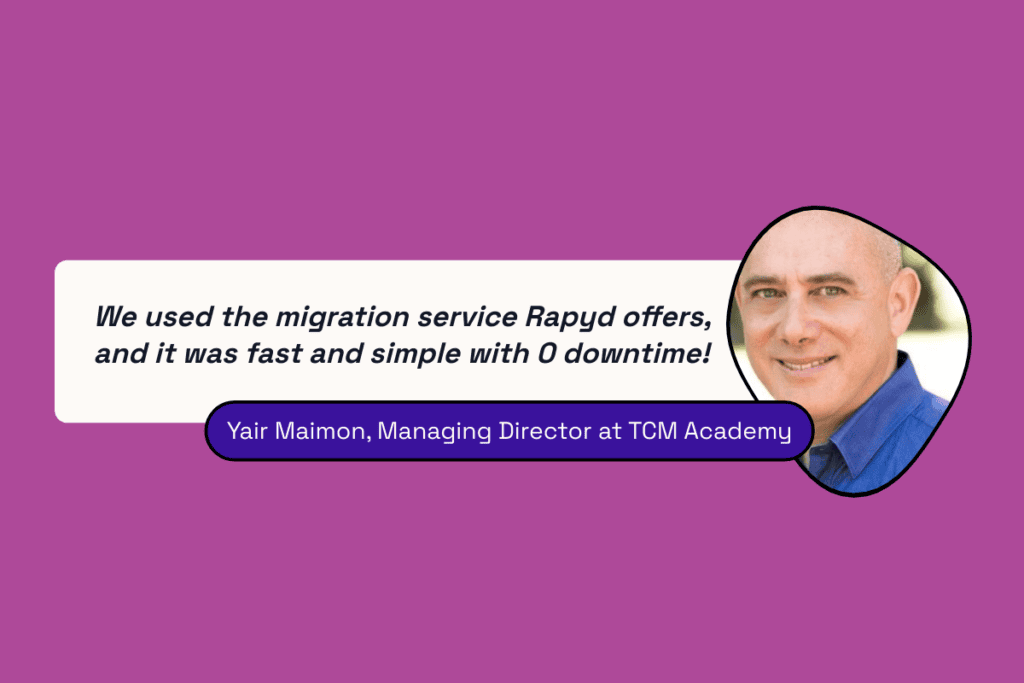 Yair Maimon, Managing Director at TCM Academy
Levamo’s White Glove Migration service includes:
-
Comprehensive Assessments: Detailed evaluations of current hosting environments
-
Custom Roadmaps: Tailored migration plans to meet unique client needs
-
Performance Optimization: Enhancing site speed and reliability post-migration
-
Minimized Downtime: Using advanced techniques to reduce service disruptions
-
Post-Migration Support: Ongoing assistance to ensure everything functions smoothly
Step-by-Step Process of Levamo’s Migration
Data Validation and Pre-Migration Checks
-
Verify WordPress, SSH, and DNS manager credentials
-
Identify and provide feedback on compatibility issues
Client Communication and Scheduling
Migration Execution
-
Initiate data transfer with or without maintenance mode
-
Implement performance optimizations (e.g., Redis, LiteSpeed Cache)
Testing and Quality Assurance
-
Pre-launch testing using a temporary URL
-
Check site functionality, load times, and database integrity
Go Live and Final Resync
Post-Migration Optimization and Support
Final Thoughts
Learning how to migrate a WordPress site doesn't have to become your next horror story. With careful planning or the right help, you can wake up tomorrow with your site running smoothly on its new home.
If you're looking for someone to handle the WordPress migration for you, Levamo specializes in no-stress WordPress transfers. Reach out for a conversation about your project, and they'll help you figure out the best approach to transfer your WordPress site safely and efficiently.