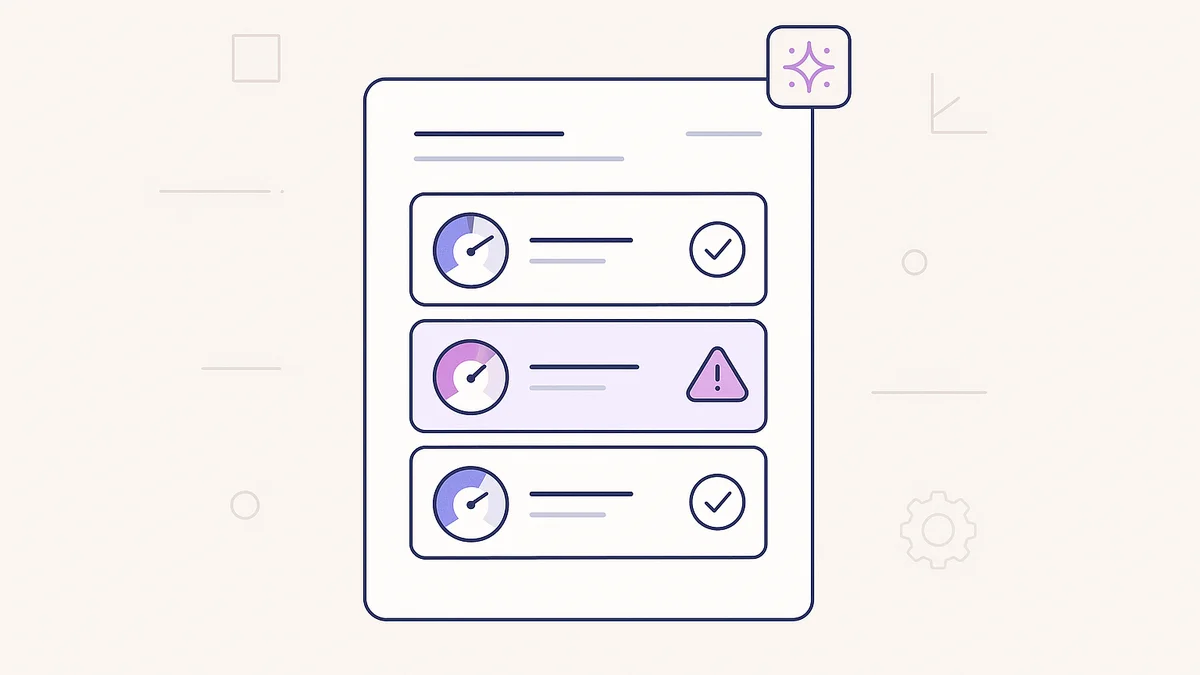
Your site can score a green 95 for speed and still quietly turn people away.
A contrast problem that makes your menu unreadable in sunlight. A buy button that a screen reader can't find. A stray noindex tag left over from launch day, hiding your best page from Google. None of that shows up in a speed test.
Most WordPress site owners run speed tests regularly (or at least intend to). But speed is only one of four things Google's Lighthouse actually measures. The other three, accessibility, best practices, and SEO, are where the invisible problems live. They cost you visitors, rankings, and conversions without ever triggering an error message.
Now your AI can audit all four and fix what it finds.
The Four Things Your Site Checkup Actually Covers
When you ask your AI to "run a full audit of my homepage," here's what it evaluates:
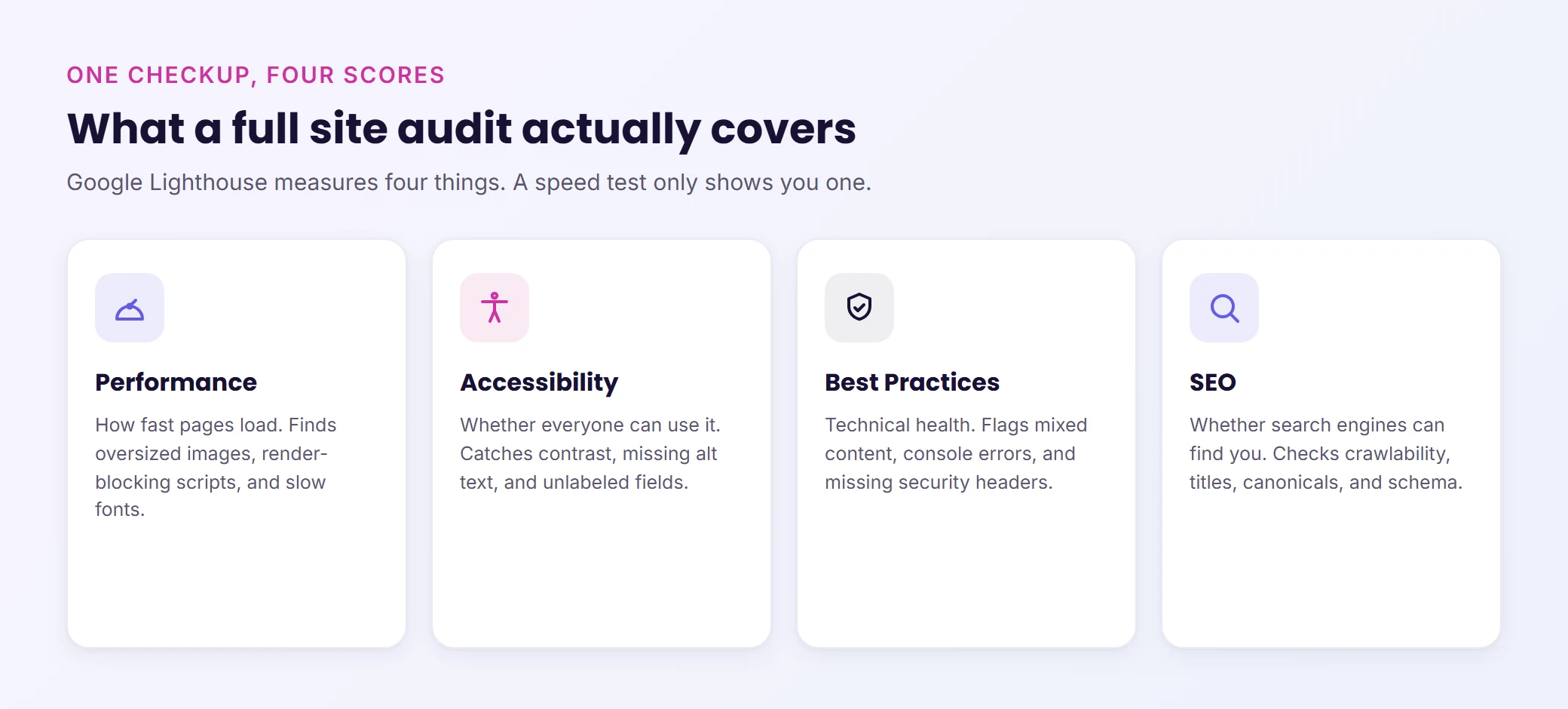
This is the speed test most people recognize. But it goes deeper than a single score. The audit identifies the specific elements slowing your page down: which images are too large, which scripts are render-blocking, and which fonts delay the first paint. If your site has real Chrome visitor data available, the audit uses that too, so you're seeing how actual users experience your page, not just how a bot scored it.
Accessibility
This is the category most site owners never check, and it matters more than they realize. The audit catches color contrast failures (text that's unreadable against its background), missing alt text on images, form fields without labels, elements a screen reader can't parse, and interactive elements that keyboard-only users can't reach.
These aren't edge cases. Roughly 16% of the global population lives with some form of disability. If your membership signup form or WooCommerce checkout has accessibility failures, you're turning away real customers.
Best Practices
These are technical issues that are invisible from the front end but affect how browsers treat your site. Insecure mixed-content requests (HTTP resources on an HTTPS page), browser console errors, deprecated APIs, improperly sized images, and missing security headers. The kind of issues a developer would catch during a code review, but that pile up silently on a WordPress site as plugins get added and themes get updated.
SEO
Not keyword strategy or content planning. This is the technical foundation that determines whether search engines can even find and index your pages correctly. The audit checks crawlability, title tags, meta descriptions, link text, canonical URLs, mobile viewport configuration, and structured data. A single misconfigured noindex tag can hide your best-performing page from Google for weeks before anyone notices.
You Don't Pick Categories. You Just Ask.
There's no dashboard to navigate, no checkboxes to configure, no test to "set up." You tell your AI, "run a full audit of my homepage," and it comes back with scores and findings across all four categories.
The real value comes next. The AI reads the results and can act on them directly:
- Missing alt text on six images? The AI can write descriptions and add them.
- Meta description missing on your pricing page? It can draft one for review.
- Color contrast failing on your nav menu? It can patch the theme stylesheet in a draft you preview before it goes live.
Every fix follows the same safety workflow: draft first, preview before publishing, approval required for anything that touches the live site.
When to Run a Full Site Audit
You don't need to run this every day. But there are four moments where a full checkup is worth the two minutes it takes:
Monthly homepage and landing page audit. Your homepage and top landing pages are where most visitors arrive. A monthly checkup catches issues that accumulate gradually: a new plugin adding render-blocking scripts, an image swap that broke alt text, a theme update that changed contrast ratios.
Before and after a redesign. Run the audit before you start, save the scores, then run it again when you're done. You get a clear before-and-after comparison that shows whether the redesign improved things or introduced new problems.
Client deliverables. If you build or manage WordPress sites for clients, a four-category audit report (with before-and-after scores) is a concrete deliverable that demonstrates the value of your work. "Your accessibility score went from 68 to 94" is a lot more convincing than "we made some improvements."
Revenue-critical pages. Your WooCommerce checkout, membership signup form, course enrollment page: these are the pages where performance and accessibility failures directly cost you money. Audit them more frequently than the rest of your site.
How to Run Your First Audit
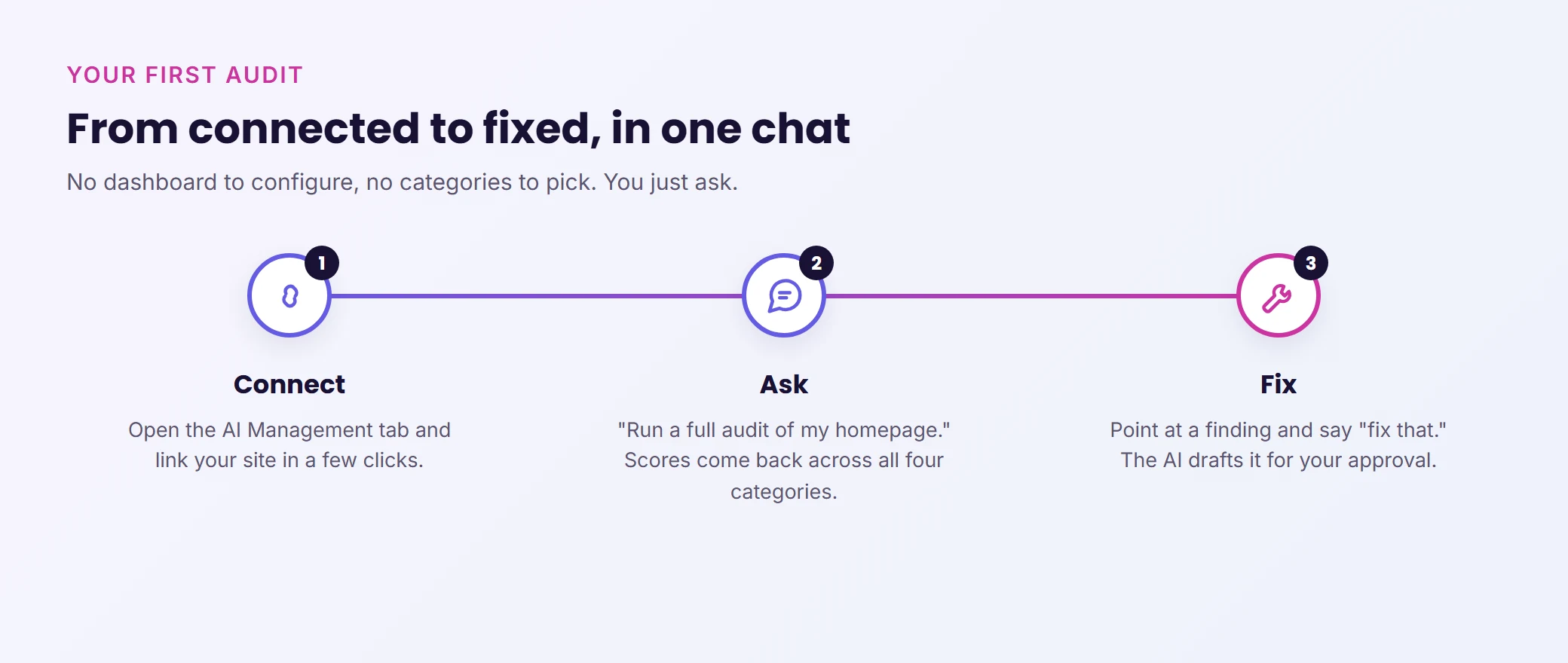
Step 1: Connect your site. If you're on Levamo, open the AI Management tab in your dashboard, and you're ready in a few clicks. If you're using WPVibe directly, the setup takes about 30 seconds on any host.
Step 2: Ask for the checkup. "Run a full audit of my homepage" is all you need. The AI handles the rest. You'll get scores across all four Lighthouse categories plus a breakdown of specific findings.
Step 3: Point to a finding and say, "Fix that." The AI applies the fix in a draft, gives you a preview link, and waits for your approval before anything goes live. You stay in control the entire time.
One note: Audits run against your live public pages. Password-protected pages and local development sites can't be audited this way, since Lighthouse needs a publicly accessible URL.
Traditional site audit tools (Google PageSpeed Insights, Lighthouse in Chrome DevTools, GTmetrix) are excellent at producing scores. The problem is what happens after the score. You get a list of recommendations written in developer shorthand, and then it's your job to figure out how to implement them in WordPress.
The AI-powered approach flips this. The audit score is just the starting point. The AI translates technical findings into plain language, proposes specific fixes, and applies them through your WordPress site, all in the same conversation. No copying recommendations into a spreadsheet, no Googling how to "eliminate render-blocking resources" in WordPress, no waiting for a developer to get around to it.
The measurement and the fix happen in the same place, from the same tool, in the same session.
Levamo + WPVibe: AI Management, Built In
WPVibe powers Levamo's AI Management feature. The full-site audits, accessibility fixes, and diagnostic workflows described in this post all run under the hood in WPVibe.
For Levamo customers, this pairs with hosting infrastructure already built for performance: LiteSpeed servers, Enterprise Cloudflare CDN across 300+ locations, and KeyDB object caching. Your AI Management tab lets you connect Claude, ChatGPT, or Cursor and start running audits immediately. No extra plugins, no separate accounts.
Wrapping Up
A speed test tells you one thing. A full site audit tells you four: how fast your pages load, whether all your users can actually use them, whether your technical foundation is solid, and whether search engines can find you properly.
Most WordPress site owners have never run a full Lighthouse audit across all four categories because the results were hard to interpret and even harder to act on. That barrier is gone now. Ask your AI for a full checkup, read the findings in plain English, and fix the problems in the same conversation.
Your site might be scoring a green 95 on speed while silently failing on accessibility, best practices, or SEO. There's one way to find out.