WordPress speed advice usually goes like this: install a caching plugin, compress your images, and hope for the best. If your WordPress site still feels sluggish, you're left staring at a waterfall chart you didn't ask for, or paying someone else to stare at it for you.
And there's a second problem that gets lumped in with speed all the time: you fix something, and nobody sees the fix. The cache keeps serving last week's version of the page while you refresh in confusion. Half of all "my site is broken" moments are really "my cache is stale" moments.
What if your AI could diagnose the actual problem, explain it in plain English, and fix it in the same conversation?
That's exactly what AI WordPress speed optimization makes possible: the assistant that finds the problem also fixes it.
Your AI Can See What's Slowing Your WordPress Site
Generic speed advice is easy to find. A general guide to why your WordPress site is slow will list the usual suspects, but "have you tried a caching plugin?" isn't helpful when you already have one and your site still loads in four seconds.
The difference with AI-powered diagnostics is that your AI gets real performance measurements to work from. The same data Google uses to evaluate your pages. Not generic tips pulled from a knowledge base, but actual numbers from your actual site.
That changes the conversation completely. Instead of "have you tried a caching plugin," you get something like: "Your hero image is 4 MB and it's the single largest thing blocking the page. Want me to compress it and re-upload?" And because the AI diagnosed the problem, it can usually fix it too, right there in the same conversation, with your approval before anything goes live.
When to Run a Speed Audit
You don't need to make this complicated. Here are the three moments where a quick AI speed audit pays for itself:
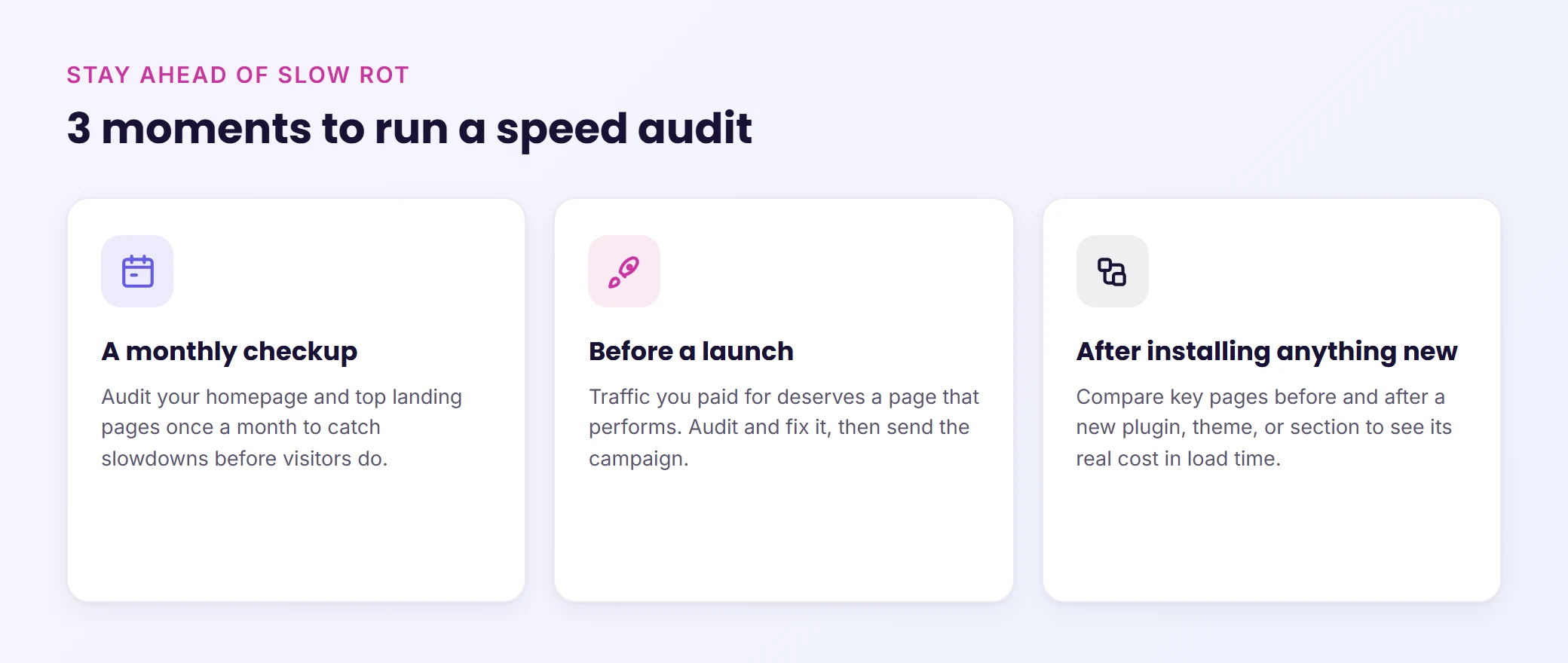
A monthly checkup. "Audit my homepage and my top three landing pages." Running this once a month catches slow rot before your visitors do. Plugins get updated, new content gets added, scripts pile up. A monthly audit keeps you ahead of it.
Before a launch. If you're about to drive traffic to a page (through ads, email campaigns, or a product launch), that page needs to load fast. Traffic you paid for deserves a page that performs. Run the audit, fix what it finds, then launch.
After installing anything new. New plugin, new theme, new page builder section: audit your key pages before and after the install. You'll know exactly what the new addition cost you in load time. If the tradeoff isn't worth it, you can roll it back before it affects real visitors.
Smarter WordPress Cache Purging (Finally)
Caching is one of those things that works beautifully until it doesn't. You update your pricing page, but visitors keep seeing the old prices. You publish a new homepage design, but the cached version from two weeks ago is what loads. These aren't edge cases. They happen all the time.
Two things changed here:
Precision. Cache purges can now target a single page instead of wiping the entire cache. Update your pricing page and only that page gets cleared from LiteSpeed Cache, WP Rocket, W3 Total Cache, or WP Super Cache. The rest of your site stays warm and fast. If you're using the official Cloudflare plugin, the edge cache gets purged too, and purges run in the right order (your server first, Cloudflare last) so the edge can't re-cache a stale page mid-purge.
Honesty. Here's something most tools won't tell you: the Cloudflare plugin silently ignores purge requests when its Automatic Cache Management toggle is off. Every other tool reports that purge as "done." Now, you actually get told when a purge didn't work and exactly which setting is blocking it. A tool that reports failure honestly is rarer than it should be.
And mostly, you won't think about any of this. After a content change, the right caches get cleared automatically. Publish a new design and every cache layer gets flushed. The old workflow of editing, checking the site, seeing the old version, and wondering if you're losing your mind? That's done.
Hosting engineered for speed
Stop fighting slow load times. Levamo's managed stack keeps dynamic, logged-in WordPress fast, and our team handles the tuning for you.
Try for $1
How AI Speed Diagnostics Work in Practice
The workflow is simple enough that there's nothing to "learn."
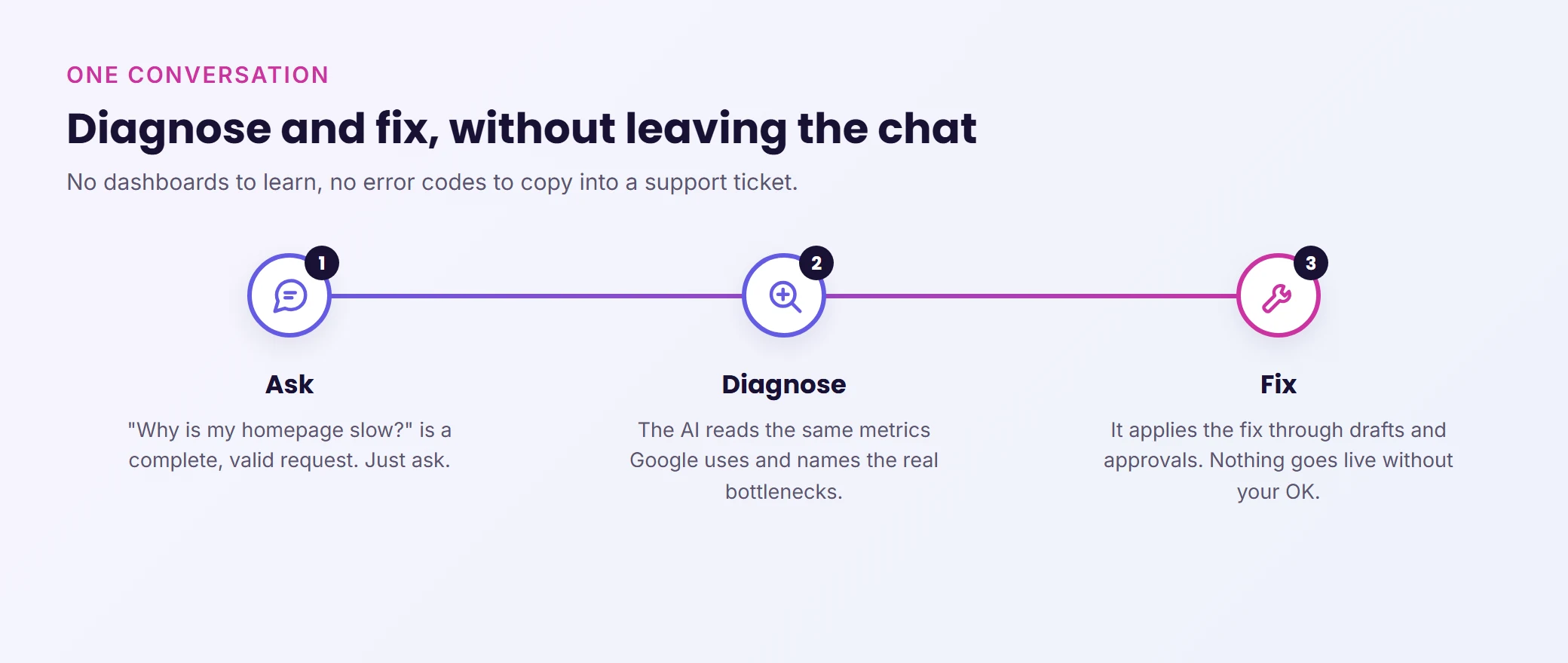
Step 1: Ask the question. "Why is my homepage slow?" is a complete, valid request. You don't need to pick categories, configure settings, or navigate a dashboard. Just ask.
Step 2: Read the diagnosis. The AI analyzes your page using the same performance metrics Google uses, identifies the specific bottlenecks (not generic advice, your actual problems), and explains them in language a human can act on.
Step 3: Let it fix what it found. Every fix runs through safety guardrails: drafts first, approvals for anything risky, and nothing hits your live site without your explicit go-ahead.
The whole loop (diagnose, explain, fix, verify) happens in one conversation. No switching between tools, no copying error codes into a support ticket, no waiting for a developer to get back to you next week.
The Bigger Picture
Speed tools have always been excellent at producing reports and terrible at producing fixes. The report was the product. You'd get a score, a list of recommendations, and then it was your problem to figure out what to do with them.
This is different. The measurement is just the first step. The AI reads the numbers, names the problem in plain English, proposes the fix, and applies it once you approve. Fewer dashboards, more fixed websites.
For WooCommerce stores, membership platforms, and LMS sites where every second of load time affects conversions and engagement, this isn't a nice-to-have. It's the difference between a site that performs and a site that bleeds visitors.
Levamo + WPVibe: AI Management, Built In
WPVibe is the technology behind Levamo's AI Management feature. The page audits, cache purging, and diagnostic tools described in this post all run through WPVibe under the hood.
For Levamo customers, this pairs with an infrastructure that's already built for speed: LiteSpeed servers, Enterprise Cloudflare CDN, and KeyDB object caching. The AI Management tab in your dashboard lets you connect Claude, ChatGPT, or Cursor and start diagnosing issues immediately. No extra plugins, no separate accounts.
Wrapping Up
Diagnosing a slow WordPress site used to mean either learning to read waterfall charts yourself or hiring someone who could. Now you can ask your AI "why is my homepage slow?" and get a specific, data-backed answer in seconds. Better still, the same AI that found the problem can fix it, right there, with your approval.
The cache purging improvements are the quieter win, but honestly they might save you more frustration day to day. No more publishing updates and wondering why visitors still see the old version. No more clearing your entire cache because you changed one page.
If your site feels slower than it should, you now have a faster way to find out why.