Picture this: Your website is cruising along, traffic is steady, and then boom. A viral tweet sends thousands of visitors your way, and if your hosting setup isn't built for this kind of pressure, your site could slow down or, worse, crash. That’s where cloud auto-scaling saves the day.
Table of Contents
- What Is Auto-Scaling in Cloud Hosting?
- Load Balancing vs. Auto-Scaling: What’s the Difference?
- How Does Auto-Scaling Work?
- Scaling Out (Horizontal Scaling)
- Scaling Up (Vertical Scaling)
- Why Is Auto-Scaling Important?
- Who Should Use Auto-Scaling Hosting?
- 1. E-commerce Platforms
- 2. Learning Management Systems (LMS)
- 3. Membership and Subscription Sites
- Levamo’s Auto-Scaling: A Smarter Approach
- How Levamo’s Auto-Scaling Works
- Wrapping Up
What Is Auto-Scaling in Cloud Hosting?
Cloud auto scaling is like having a smart assistant for your hosting. It automatically adjusts your computing resources in real-time based on demand. If traffic spikes, more power is allocated to keep things running smoothly. If traffic dips, extra resources are scaled down, so you’re not paying for what you don’t need. It’s efficient, reliable, and hands-free.
Load Balancing vs. Auto-Scaling: What’s the Difference?
People sometimes mix up load balancing and auto-scaling, but they are not the same thing. Here’s the difference:
-
Load Balancing spreads incoming traffic across multiple servers so that no single server gets overwhelmed. Think of it as a traffic cop directing cars to different lanes to keep things moving smoothly.
-
Auto-Scaling adjusts the number of servers or resources available based on demand. If traffic spikes, auto-scaling kicks in to add more resources. If things slow down, it scales back to save costs.
In simple terms, load balancing manages distribution while auto-scaling ensures there are enough resources to handle demand.
How Does Auto-Scaling Work?
Auto-scaling can happen in two ways: scaling out (horizontal scaling) and scaling up (vertical scaling).
Scaling Out (Horizontal Scaling)
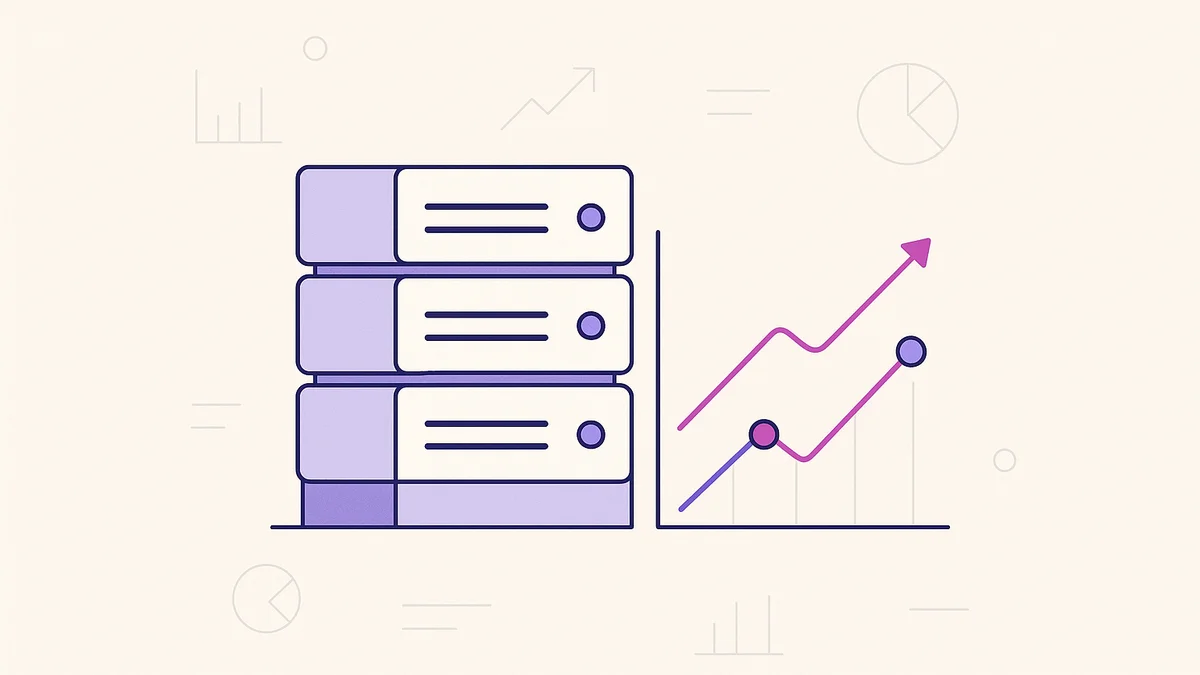
Also known as horizontal scaling, this approach adds more instances or servers to handle increased demand. Think of it like adding more cash registers in a busy store to serve more customers at once.
Example. An eCommerce store during Black Friday can automatically spin up additional servers to prevent slowdowns or crashes as shoppers flood the site.
Scaling Up (Vertical Scaling)
This method boosts the power of your existing server by increasing CPU, RAM, or storage rather than adding more servers.
Example. A database-driven application that needs more processing power can automatically allocate more RAM to improve performance instead of adding another server.
Hosting engineered for speed
Stop fighting slow load times. Levamo's managed stack keeps dynamic, logged-in WordPress fast, and our team handles the tuning for you.
Why Is Auto-Scaling Important?
Auto-scaling isn’t just a fancy feature. It is a game-changer. Here’s why:
-
Performance Optimization. Keeps your applications fast and responsive, even during unexpected traffic spikes
-
Cost Efficiency. You only pay for the resources you actually need, reducing wasted spending.
-
High Reliability & Uptime. Prevents crashes by ensuring resources are always available when needed.
-
Hands-Free Management. No need for manual intervention. Auto-scaling does the heavy lifting for you.
Who Should Use Auto-Scaling Hosting?
Auto-scaling is perfect for businesses and websites with fluctuating traffic. Some key industries that benefit most include:
1. E-commerce Platforms
Online stores see wild swings in traffic, especially during sales or promotions. Auto-scaling ensures your store stays fast and accessible when traffic surges and dials resources back when things slow down.
2. Learning Management Systems (LMS)
Online course platforms and educational sites experience peak usage during live classes, exams, or major enrollment periods. Auto-scaling keeps everything running smoothly, even when thousands of students log in at once.
3. Membership and Subscription Sites
Sites offering premium content or community platforms often have unpredictable traffic. Auto-scaling ensures a seamless experience for users without overpaying for unused resources.
Levamo’s Auto-Scaling: A Smarter Approach
At Levamo, we know businesses need smart, high-performance hosting that adapts as they grow. That’s why auto-scaling solution on our fully managed WordPress hosting is designed to be seamless, efficient, and optimized for PHP applications.
How Levamo’s Auto-Scaling Works
-
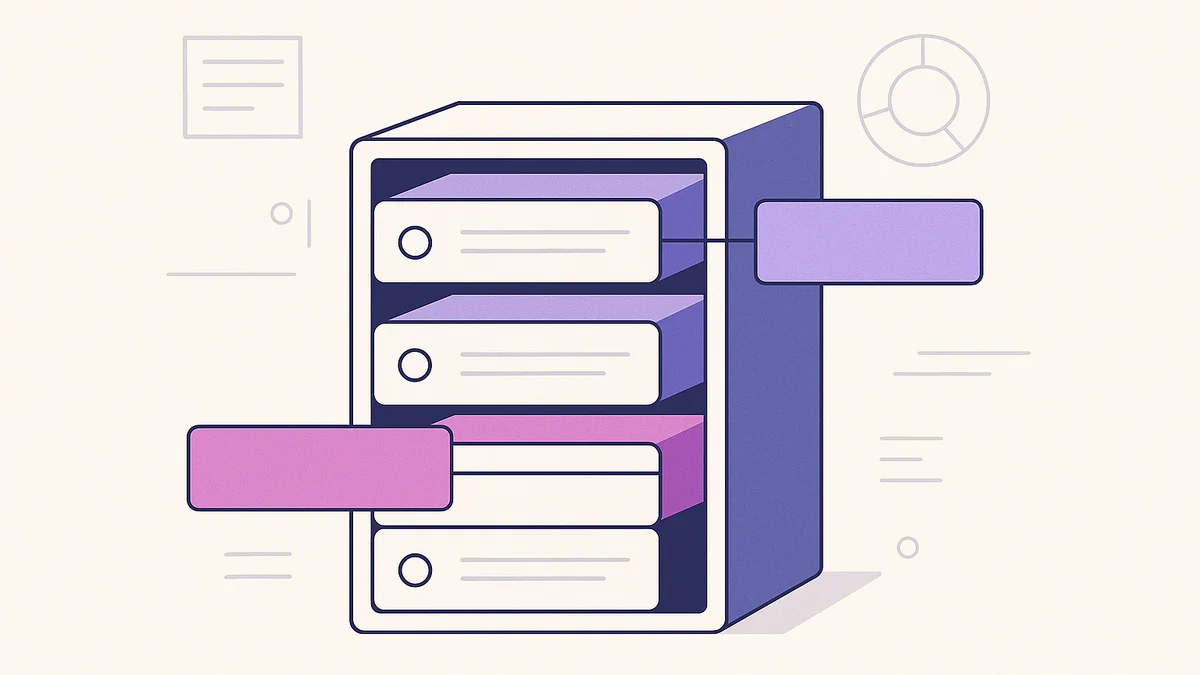
Dynamic PHP Workers. We scale PHP-FPM child processes (workers) dynamically, based on real-time traffic and demand.
-
Instant Scaling. Need more PHP workers? We allocate them automatically to prevent slow load times and downtime.
-
Plan-Based Customization. Auto-scaling operates within your chosen plan, giving you full control over your resources without surprise costs.
-
Optimized for WordPress & PHP. Whether you're running an eCommerce site, a membership platform, or a blog, Levamo’s auto-scaling ensures peak performance without manual intervention.
Wrapping Up
In today’s fast-moving digital world, cloud auto-scaling is a must-have. Whether you're handling a sudden traffic spike or just want to ensure your website runs smoothly 24/7, auto-scaling guarantees high performance and cost efficiency.At Levamo, we take auto-scaling to the next level with dynamic PHP worker scaling, making sure your applications stay fast, reliable, and hassle-free. Want to experience worry-free, high-performance cloud hosting? Check out Levamo today!